Key Technical Specifications
- Product Type: Motor Auto Control Unit
- System Platform: Hyundai HEEM-2
- Controller Style: Solid State Controller
- Typical Application: Industrial motor control / motor auto control interface
- Known Related Family: MSU-111C, MSU-112C, MSU-113C
- Availability Type: Surplus / discontinued spare
- Electrical Rating: Not confirmed from available references; verify on the unit nameplate and OEM manual
- Firmware / Revision: Not identified in available references; check the board label before ordering
Product Introduction
I treat the HEEM MSU-113C as a Hyundai HEEM-2 motor auto control unit / solid state controller, not a generic PLC card. In the field, that usually means it lives inside a motor control cabinet or drive system and handles the control, protection, or interface logic for a motor circuit. If the machine is an older Hyundai/HEEM-2 installation, this is the kind of board you hunt for when the motor will not start, the drive faults out, or the control signals stop reaching the contactors and power stage.The practical value here is simple: it keeps an aging HEEM-2 motor control system running without forcing a full cabinet rebuild. The downside is that documentation is thin in the open market, so I would not install it blindly. Before you power anything up, confirm the board revision, cabinet model, motor rating, and control wiring. This part is not something you “try and see” on a live production motor.

Quality SOP & Tech Pitfalls
The Lab Report
For a unit like this, I would run a conservative spare-parts check:
- Visual inspection: PCB, connectors, terminal blocks, solder joints, burnt traces, bulged capacitors, corrosion, or heat damage.
- Counterfeit / mismatch check: compare part marking, revision, connector keying, and board layout against the removed unit.
- Continuity and insulation checks: verify power input paths, control signal paths, and isolation where applicable.
- Live bench test only if safe: apply the correct control voltage, check status LEDs, verify command inputs, and confirm output signals match the original wiring diagram.
- Functional match: compare the replacement against the old board’s revision, jumpers, DIP switches, and connector pinout before installation.
The Engineer’s Warning
Two mistakes will hurt you here.First, assuming MSU-111C / MSU-112C / MSU-113C are interchangeable. They may look related, but motor control boards can differ in firmware, protection thresholds, I/O mapping, or power-stage interface. A close match is not a safe match.Second, not photographing the old board before removal. If you pull the MSU-113C without recording jumper positions, DIP switches, connector labels, and cable positions, you will spend hours chasing a “new” fault that was created during installation.
Installation & Configuration Guide
- Lock out and verify zero energy
⚠️ Disconnect all motor power, control power, and field wiring. Lock out / tag out the cabinet. Wait for capacitors to discharge. Verify with a rated multimeter before touching anything. - Document the existing installation
Take clear photos of the old MSU-113C from multiple angles. Label every wire, connector, jumper, and DIP switch. Note the board revision and any OEM part numbers visible on the unit. - Remove the faulty unit carefully
Release DIN clips, screws, or rack connectors without forcing the board. If connectors are tight, do not pry the PCB—release the connector mechanism first. - Compare old vs. new before install
Confirm the replacement matches the original board layout, connector type, revision markings, and jumper settings. If anything differs, stop and verify with the OEM manual. - Install the replacement MSU-113C
Seat the board fully and evenly. Reconnect wiring exactly as labeled. Do not guess pin positions. - Pre-power check
Before closing the cabinet, verify no loose strands of wire, no crossed connectors, and no missing ground or shielding connections. - Power-on test
Restore control power first if the OEM procedure allows it. Watch for abnormal smells, smoke, hot components, or fault LEDs. If anything looks wrong, remove power immediately. - Functional verification
Test motor start/stop commands, protection signals, and feedback indications under supervised conditions. Do not return the machine to full production until the motor control sequence is proven safe.
Compatible Replacement Models
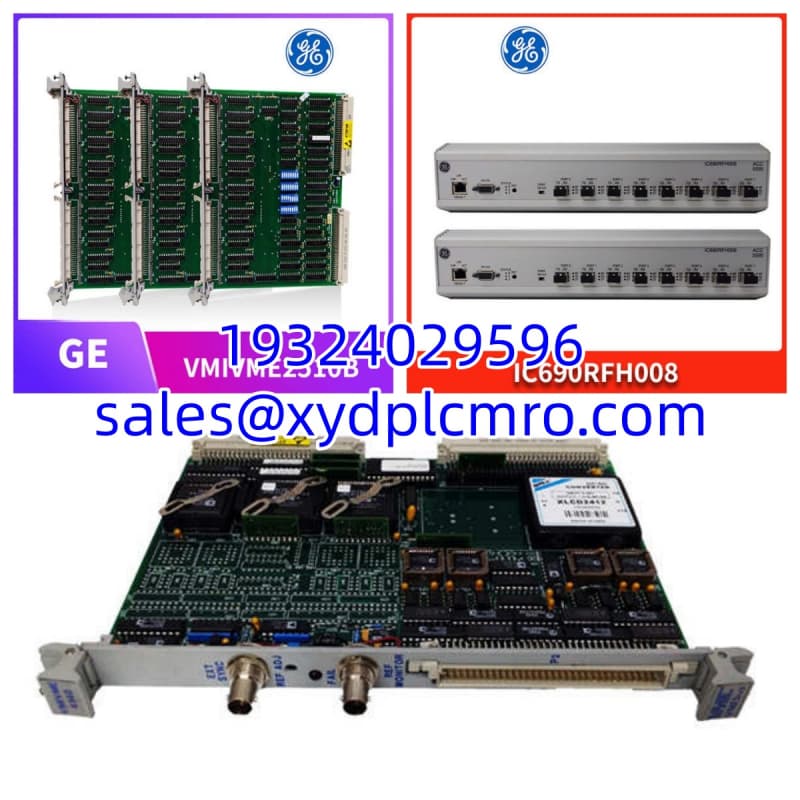
| Model | Compatibility Notes |
|---|---|
| HEEM MSU-113C | ✅ Drop-in only if revision, connectors, jumpers, and OEM manual confirm an exact match. |
| MSU-112C / MSU-111C | ⚠️ Same HEEM-2 family, but not automatically interchangeable. Requires OEM confirmation before use. |
| Generic solid state controller | ❌ Not recommended unless the full HEEM-2 cabinet, motor, protection, and wiring are re-engineered. |
Frequently Asked Questions
Is the HEEM MSU-113C still manufactured?
Based on available surplus listings, it should be treated as obsolete/discontinued. Expect new surplus, tested used, or pulled stock. Verify condition and testing before purchase.Can I use MSU-111C or MSU-112C instead of MSU-113C?
Not without checking the OEM manual and the actual board. They belong to the same HEEM-2 motor control family, but that does not mean they share the same firmware, I/O, protection settings, or connector wiring.What does this board actually control?
It is a motor auto control unit / solid state controller for HEEM-2 systems. The exact function depends on the cabinet configuration, but it typically handles motor control logic, protection signaling, and interface between the drive/control system and the motor circuit.Can I hot-swap this board?
No. Treat it as a powered-down replacement. Motor control hardware should only be removed or installed after lockout, zero-energy verification, and capacitor discharge.How do I know if the replacement is the same revision?
Check the board label, part number, revision code, connector layout, jumper positions, and DIP switch settings. If any of those differ, do not assume compatibility.What if the machine faults after installation?
Stop. Compare the old board and new board side by side. Check jumper settings, connector orientation, ground connections, and control wiring. If the fault persists, verify with the OEM manual and a qualified technician rather than forcing the motor to run.