
Key Technical Specifications
| Parameter | Specification |
|---|---|
| Product Family | GE Industrial Ethernet Switch |
| Chassis Capacity | 10 Modular Slots |
| Core Function | High-Speed Network Data Routing |
| System Compatibility | GE PLC / Industrial Control Systems |
| Mounting Style | Standard Industrial Rack / DIN Rail |
| Data Throughput | High-Speed Switching Fabric |
| Protocol Support | Industrial Ethernet / TCP-IP |
| Application | PLC, HMI, Sensor, and Actuator Networking |
| Modularity | Supports Various Communication Modules |
| Origin | USA (General Electric) |
Product Introduction
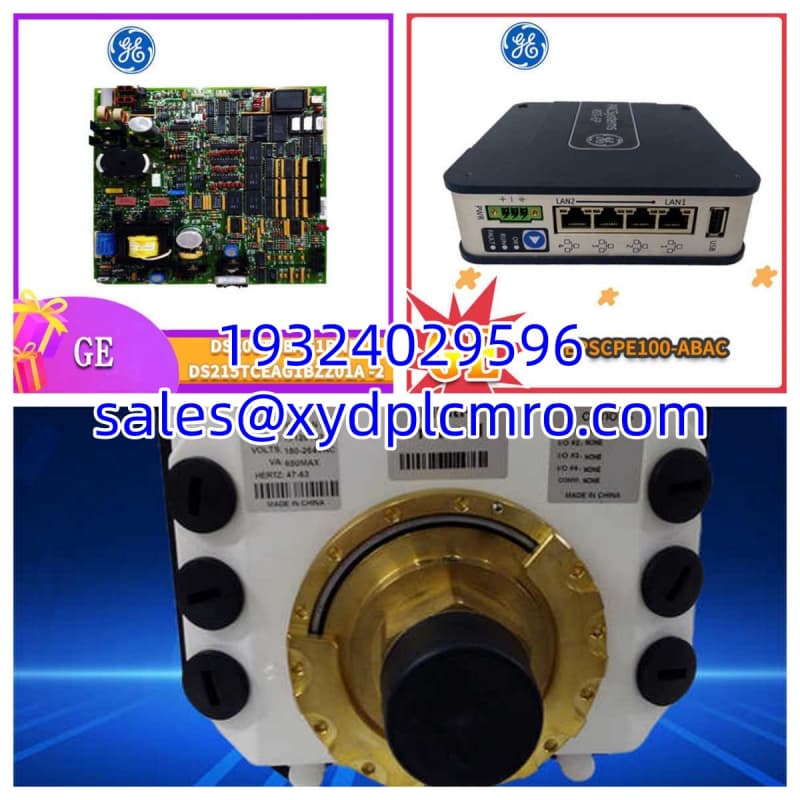
Network bottlenecks in a factory don’t just slow down data; they can cause a PLC to miss a safety interlock scan. The GE 151X1235BC01SA01 is a 10-slot modular Ethernet switch designed to keep that traffic moving without dropping a single packet. I’ve seen plants try to daisy-chain cheap commercial switches in a panel, only to have EMI from a nearby VFD fry the backplane. This GE unit is built to handle the electrical noise of an industrial floor.Its modular design means you aren’t stuck with a fixed port count. You can populate the 10 slots with exactly the fiber or copper modules your architecture demands. The switching fabric is fast enough to handle heavy HMI polling and historian logging simultaneously. Just keep in mind: modular backplanes have dozens of tiny pins. If you force a module in crooked, you will bend them, and fixing a bent backplane pin is a nightmare.
Quality SOP & Tech Pitfalls
The Lab Report:
We don’t just plug it in and hope. Every 151X1235BC01SA01 goes on a test bench with populated modules. I run a continuous ping flood and VLAN traffic test for 24 hours to ensure the switching ASIC doesn’t overheat or drop frames under load. We also inspect the backplane slots under magnification to guarantee no pins are bent or corroded.The Engineer’s Warning:
Never install or remove modules while the chassis is powered. This is not a hot-swappable backplane. I once watched a tech pop a module in while the rack was live; the resulting arc melted the slot and ruined a $3,000 switch. Also, verify your module compatibility. Not every GE comms module fits every 151X chassis. Check the mechanical keying before you buy.
Installation & Configuration Guide
- Pre-Installation: ⚠️ LOCKOUT/TAGOUT. Ensure the chassis power supply is completely off and capacitors are discharged. Photograph the existing module layout and note which slot each module occupies. Slot numbering matters for IP addressing and redundancy.
- Removal: Label all fiber and copper cables. Release the module retention screws and pull straight out. Inspect the empty slot for dust or debris; blow it out with compressed air if needed.
- Installation: Align the module precisely with the slot guides. Slide it in smoothly until it seats fully against the backplane. Do not force it. Secure the retention screws to spec.
- Power-On: Restore chassis power. Watch the module LEDs. You should see link/activity indicators within 30 seconds. If a module LED stays solid red or off, power down immediately and reseat it. Verify port configuration via the management interface.
Compatible Replacement Models
| Model | Compatibility | Notes |
|---|---|---|
| 151X1235DB59ZA13 | ✅ Drop-in | Same chassis family. Verify module population matches your application. |
| 151X1215GD01SA01 | ⚠️ Software Compatible | Different slot count or port config. Requires network reconfiguration. Budget 2-4 hrs. |
| 151X1207CN06SA05 | ❌ Hardware Mod | Older generation. Different mounting footprint and backplane pinout. Full chassis swap required. |
Frequently Asked Questions
Can I use standard Cisco SFP modules in this?
Generally, no. GE industrial switches often require specific coded SFPs or have firmware locks. Using an unapproved transceiver might link up, but it could fail under temperature stress. Stick to GE-approved or verified-compatible optics.My switch is passing traffic but LEDs are off. What’s wrong?
Check the LED brightness setting in the management software. Some GE switches allow you to dim or disable front-panel LEDs to reduce power consumption. If that’s not it, the LED itself may have failed; test with a known-good module in that slot.Does this support managed switching features like VLANs?
Yes, but it depends on the specific modules installed and the firmware version. The base chassis supports it, but you need the right management module populated. Check your exact configuration against the OEM documentation.How do I back up the switch configuration?
Use the GE PLC programming software or a TFTP server. Connect via the management port, export the config file, and store it off the network. Do this before every firmware update. I’ve seen configs vanish during a failed flash.What’s the max operating temperature for this chassis?
Typically 0°C to 60°C, but check the specific datasheet for your suffix. If your panel runs hot, add a fan or heat exchanger. Electronics don’t care about your production schedule; they just fail when they overheat.Is this module redundant?
The chassis supports redundant power supplies if populated correctly. For network redundancy, you’d need to configure RSTP or a proprietary ring protocol. Redundancy doesn’t happen automatically; you have to design and test it.





