 Tel:
Tel:  Email:
  WhatsApp:
 Description
Key Technical Specifications
| Parameter | Specification |
|---|---|
| GPU Configuration | 8x NVIDIA Blackwell Ultra SXM |
| CPU Processor | Intel Xeon 6776P Processor |
| AI Inference Performance | FP4 Tensor Core: 144 PFLOPS |
| Total GPU Memory | 2.1 TB HBM3E |
| NVLink Bandwidth | 14.4 TB/s Aggregate Bandwidth |
| Network Interfaces | 8x 800Gb/s OSFP (ConnectX-8) + 2x 400Gb/s QSFP112 (BlueField-3) |
| Internal Storage | 8x 3.84 TB NVMe E1.S |
| System Power Consumption | ~14 kW |
| Rack Unit Footprint | 10U |
| Operating System | NVIDIA DGX OS (Supports Red Hat / Rocky / Ubuntu) |
Product Introduction
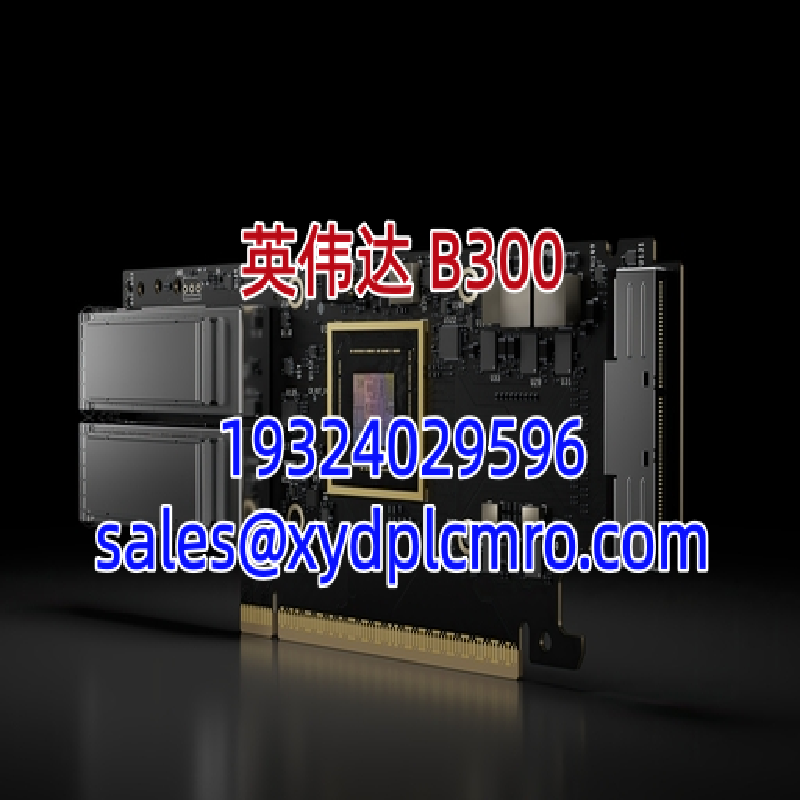
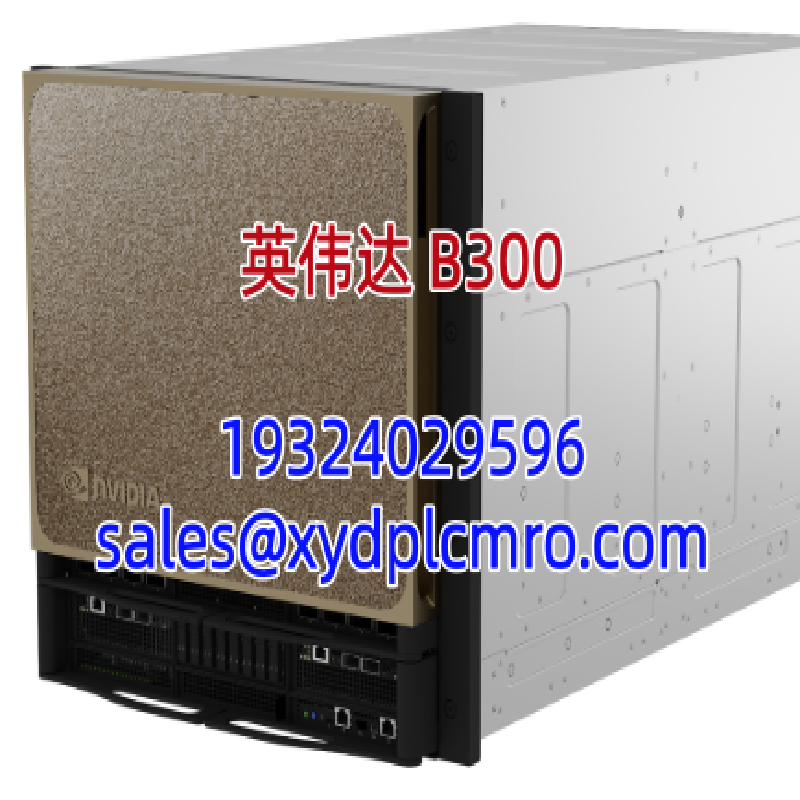
NVIDIA DGX B300 is a 10U AI server node designed for large language model (LLM) training and inference. It integrates eight Blackwell Ultra SXM GPUs with an Intel Xeon 6776P CPU to provide 144 PFLOPS of FP4 compute and 2.1 TB of HBM3E memory.This system delivers 1.5x higher dense FP4 performance over the previous DGX B200 generation. Attention mechanism performance also doubles. Deploying this node requires verifying facility power and cooling capacity.
Installation & Configuration Guide
Preparation (10 min)
Verify facility power can sustain 14 kW per node. Confirm liquid cooling or high-capacity air cooling is active. Ground yourself using an ESD wrist strap.Removal (5–10 min)
Power down the existing system. Disconnect all OSFP and QSFP112 network cables. Label each cable before removal. Extract the old node from the MGX rack.Installation (10 min)
Slide the DGX B300 into the designated 10U slot. Secure the front mounting brackets. Reconnect network cables using your labels. Double-check all connections.Power-On & Test (10 min)
Apply AC or DC power per facility spec. Monitor BMC for POST completion. Verify GPU detection via nvidia-smi. Run baseline inference benchmark. Function verified under test conditions.
Troubleshooting Quick Reference
- GPU Not Detected: Check NVLink bridge seating. Reseat GPU module. Verify BMC logs for PCIe errors.
- Thermal Throttling: Measure coolant inlet temperature. Verify flow rate meets 14 kW dissipation requirement. Check for blocked air intake.
- Network Link Down: Swap OSFP transceiver. Verify 800 Gb/s switch port configuration. Check fiber bend radius.
- Boot Failure: Check DIMM seating. Verify BIOS version matches GPU firmware. Clear CMOS and retry.
- Performance Below Spec: Confirm FP4 precision mode is enabled. Check for background processes. Validate cooling prevents throttling.
Dimensions, Mounting & Wiring Notes
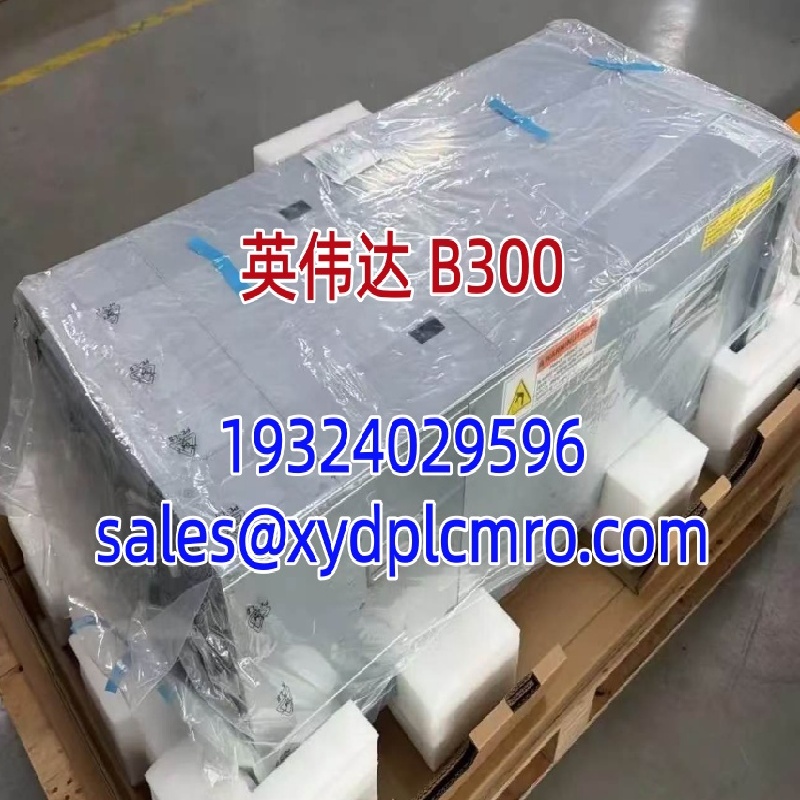
- Form Factor: 10U Rack-Mountable
- Mounting Method: Standard MGX Rack Compatible (Rail Kit Required)
- Terminal Notes: 8x OSFP ports for 800 Gb/s InfiniBand/Ethernet. 2x QSFP112 ports for 400 Gb/s management. RJ45 BMC port for out-of-band management.
- Power Input: Supports AC and DC power options (verify with OEM datasheet for specific PDU requirements)
FAQ
Can I drop this into my existing DGX B200 rack?
Yes, if it is an NVIDIA MGX rack. The DGX B300 uses the same MGX form factor standard. Non-MGX racks may require rail adapter kits. Verify mechanical fit before ordering.I got a unit but GPUs show reduced clock speeds. What gives?
Thermal throttling. Most likely cause. Check your coolant supply temperature and flow rate. This 14 kW node demands precise cooling. I’ve seen installations where a single kinked tube caused half the rack to throttle.Is this compatible with my Hopper-era software stack?
CUDA backward compatibility is maintained. However, FP4 kernels require TensorRT-LLM or vLLM updates. Older frameworks may not utilize the new precision modes. Update your container images.What is the current lead time for bulk orders?
Supply is constrained. Lead times vary significantly by region and allocation tier. Contact authorized distributors for current delivery estimates. Spot market premiums apply for immediate availability.How do I verify authenticity before deploying?
Check the NVIDIA seal on the chassis. Validate serial numbers through NVIDIA’s enterprise portal. Request the Certificate of Authenticity from your supplier. Counterfeit AI hardware exists.Does this support hot-swapping GPUs?
No. Power down the system before servicing GPU modules. Hot-swap is not supported on this platform. Plan maintenance windows accordingly.What warranty and support comes with this unit?Three-year business-standard hardware and software support is included. NVIDIA Mission Control software is bundled. Extended support tiers are available through authorized partners.