 Tel:
Tel:  Email:
  WhatsApp:
 Description
Key Technical Specifications
| Parameter | Specification |
|---|---|
| Supported Standards | 802.11a/b/g/n/ac/ax (Model dependent) |
| Management Interface | Web GUI, Command Line (CLI), SNMP |
| Security Protocols | WPA2, 802.1X Authentication |
| Communication Ports | Ethernet, RS485 |
| Power over Ethernet | Varies: None, Standard PoE, or PoE++ |
| Physical Dimensions | 225mm (L) x 142mm (W) x 44mm (H) |
| Housing Material | Metal chassis |
| Unit Weight | Approximately 1 kg |
| Operating Reliability | Designed for 7×24 continuous operation |
| Application Environment | Industrial automation, smart buildings, transit |
Product Introduction
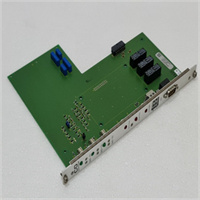
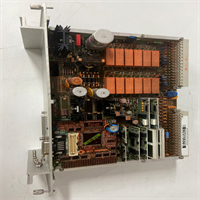
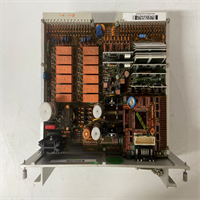
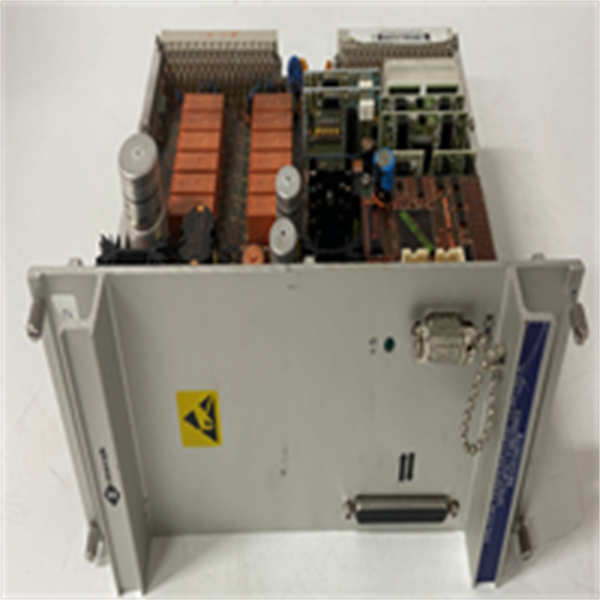
These Merak controller modules serve as the central processing unit for managing wireless local area network (WLAN) access points and specific industrial automation tasks. They handle network configuration, security enforcement, and device maintenance across distributed environments like schools, hospitals, and manufacturing floors.Differentiation between these three part numbers lies strictly in their wireless standard support and power delivery capabilities. While the 681H10078 handles legacy 802.11ac standards without PoE, the 681K10079 pushes throughput with 802.11ax (Wi-Fi 6) and supports PoE++ for high-demand peripherals. Always verify the specific suffix before integration to ensure your power budget aligns with the hardware requirements.
Installation & Configuration Guide
Phase 1: Preparation (10 min)
- Verify the model number on the chassis label matches your purchase order (681H vs 681K).
- Ensure your power supply meets the specific voltage and amperage requirements (check for PoE++ needs on the 681K10079).
- Gather a standard Phillips screwdriver and an Ethernet patch cable.
Phase 2: Removal (If replacing existing unit)
- Disconnect all Ethernet and power cables.
- Unscrew the mounting brackets.
- Slide the module out of the rack or enclosure carefully.
Phase 3: Installation (10 min)
- Position the module in the designated slot or mounting surface.
- Secure the unit using the provided metal bracket screws.
- Connect the Ethernet cable to the primary data port.
- Safety Note: If the unit requires external power (non-PoE models), connect the power supply last.
Phase 4: Power-On & Test (10 min)
- Apply power to the unit.
- Wait for the system LED to stabilize (usually solid green indicates a successful POST).
- Access the Web GUI or CLI via the default IP address to begin network discovery.
Troubleshooting Quick Reference
| Issue | Probable Cause | Quick Fix |
|---|---|---|
| No Power / No LEDs | Power supply failure or loose cable | Check the physical connection; verify 24V DC input if not using PoE. |
| Access Points Offline | VLAN mismatch or DHCP failure | Verify the switch port configuration matches the controller’s VLAN tagging. |
| CLI Unresponsive | Baud rate mismatch | Reset terminal settings to 9600 baud, 8 data bits, no parity. |
| Intermittent Reboots | Insufficient PoE budget | Ensure the switch provides enough wattage (especially for PoE++ models). |
Dimensions, Mounting & Wiring Notes
- Dimensions: 225mm x 142mm x 44mm.
- Mounting: The metal chassis is designed for standard rack or DIN-rail mounting (verify bracket type upon receipt).
- Wiring: The unit supports standard Ethernet (RJ45) for data. Some industrial variants utilize RS485 for serial communication with legacy PLCs or sensors.
- Terminal Note: When wiring the RS485 terminals, ensure the shield is grounded at one end only to prevent ground loops.
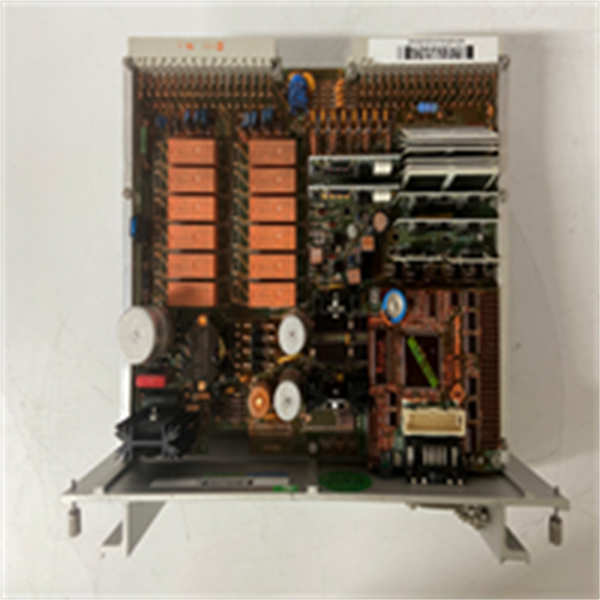
681H10078 681K10078 681K10079 MERAK
FAQ
1. What is the main difference between the 681H10078 and 681K10079?
The 681H10078 supports up to 802.11ac and does not support PoE. The 681K10079 supports the newer 802.11ax standard and includes PoE++ capabilities for powering high-draw devices.2. Can I use these for factory automation control?
Yes. Beyond WLAN management, these modules feature RS485 and Ethernet ports suitable for process control, robotics, and equipment management in industrial settings.3. Do I need a special license for the Web GUI?
No, the Web, CLI, and SNMP management interfaces are built into the firmware. However, verify if your specific firmware revision requires a subscription for cloud-based analytics.4. I ordered the 681K10078, but my switch doesn’t support PoE++. Will it work?
Yes. The 681K10078 supports standard PoE. It will function normally as long as your switch provides standard 802.3af/at power. (Note: Only the 681K10079 strictly requires PoE++ for full peripheral support).5. Are these units new or refurbished?
We supply these as New Original (Surplus) or Factory Sealed depending on current stock. All units undergo a visual inspection and power-on test before shipping.6. What is the lead time for bulk orders?
Standard stock usually ships within 3-5 business days. For large quantity procurement, please contact us directly for a specific timeline.