
 Tel:
Tel:  Email:
  WhatsApp:
 Description
Key Technical Specifications
| Parameter | Specification |
|---|---|
| Port Quantity | 2 Ethernet Ports |
| Port Speed | 10/100/1000 Mbps |
| Redundancy Mode | Primary/Standby, Ring Network |
| Fault Recovery Time | < 20ms |
| Supported Protocols | Modbus, IEC 60870-5-101/104 |
| Management | SNMP |
| Power Supply | 24V DC |
| Power Consumption | 24W (Rated) |
| Dimensions (H×W×D) | 175mm x 110mm x 50mm |
| Weight | ~0.5 kg (Net) / 1.1 kg (Shipping) |
| Material | Metal |
Product Introduction
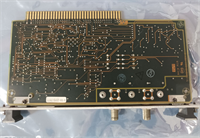
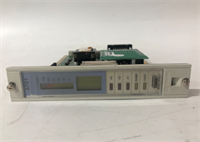
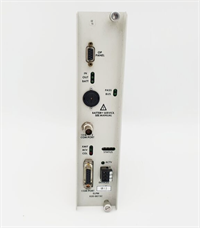
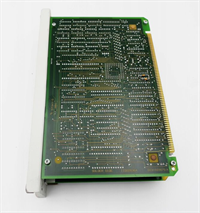
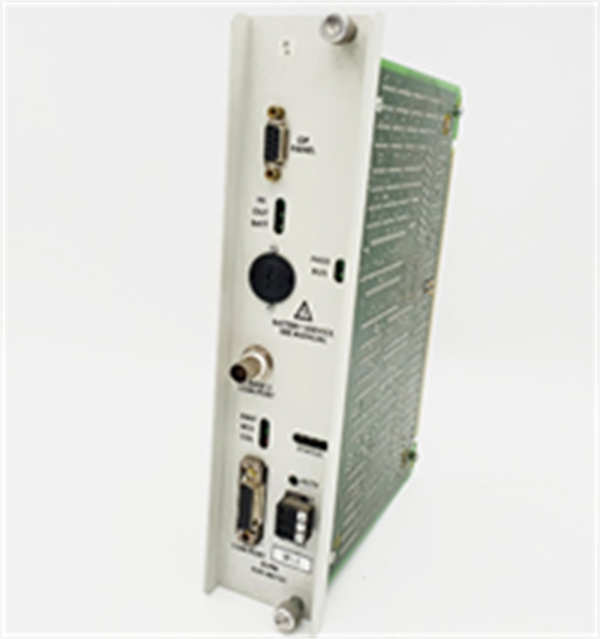
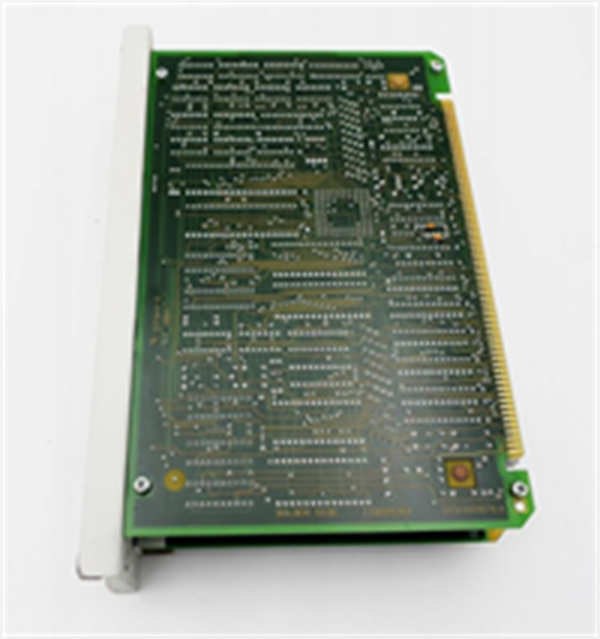
The Honeywell 620-0073C is an Ethernet Loop Processor Module engineered for the 620 series control systems. It is deployed in power, water conservancy, petrochemical, and metallurgy automation to ensure continuous network communication.This module features dual Ethernet ports that create physical network redundancy. The primary metric is its rapid fault recovery capability, which restores network traffic in under 20ms during a cable break or switch failure. It supports standard industrial protocols like Modbus and IEC 60870-5-104, allowing seamless integration into existing SCADA environments without complex reprogramming.
Installation & Configuration Guide
Preparation (10 min)
- Verify the 24V DC power supply is OFF.
- Check that the power source can supply at least 20% more current than the module’s rated 24W to account for inrush.
- Gather a small flat-head screwdriver for terminal connections.
Removal (5–10 min)
- Disconnect all Ethernet cables and note their port assignments.
- Unscrew the mounting hardware securing the module to the DIN rail or panel.
- Disconnect the 24V DC power leads.
- Remove the old unit.
Installation (10 min)
- Mount the 620-0073C onto the DIN rail or secure it using the provided screw holes.
- Connect the 24V DC power supply to the designated power terminals. Double-check polarity.
- Insert the primary and secondary Ethernet cables into the respective ports.
Power-On & Test (10 min)
- Turn ON the 24V DC power supply.
- Observe the LED indicators. A solid green light usually indicates power and link status (verify specific LED legend on the chassis).
- Use a laptop to ping the device IP or check the SNMP manager to confirm the module is communicating.
- Simulate a fault by unplugging one Ethernet cable; the network should recover instantly without dropping critical data packets.
Troubleshooting Quick Reference
| Issue | Probable Cause | Action |
|---|---|---|
| No Power LED | Loose wiring or blown fuse | Measure 24V DC at the terminal block with a multimeter. |
| Link LED Off | Bad cable or port mismatch | Swap the Ethernet cable; check if the switch port is auto-negotiating to 10/100/1000. |
| High Recovery Time | Network loop storm | Ensure only one redundant path is active; check switch STP (Spanning Tree Protocol) settings. |
| SNMP Timeout | Wrong community string | Verify the SNMP read/write community string matches your NMS configuration. |
| Intermittent Comm | EMI interference | Ensure Ethernet cables are shielded and grounded away from high-voltage lines. |
Dimensions, Mounting & Wiring Notes
- Dimensions: 175mm (H) x 110mm (W) x 50mm (D).
- Mounting: Designed for standard DIN rail mounting or panel screw fixation.
- Wiring: Use shielded twisted-pair cables for Ethernet connections in high-noise industrial environments. The power terminals accept standard industrial gauge wiring. Ensure the ground terminal is bonded to the cabinet ground to prevent static buildup.
620-0073C HONEYWELL
FAQ
What is the main difference between the 620-0073 and 620-0073C?
The “C” revision typically denotes an updated hardware or firmware version with improved protocol support (like IEC 60870-5-104). Always check your system’s compatibility list, but the 620-0073C is generally backward compatible.I don’t see any lights on the front. Is it dead?
Not necessarily. Check your 24V DC power supply voltage first. Sometimes the terminal block isn’t seated fully, or the polarity is reversed. If the voltage is good and it’s still dark, the internal fuse might be blown.Can I use this module for standard office networking?
No. This is an industrial Ethernet Loop Processor designed for redundancy in control systems (SCADA/DCS). It is not a standard commercial switch for connecting office PCs.Does this come with a warranty?
Yes. New surplus items typically carry a 1-year warranty. Refurbished units are tested and usually come with a 90-day to 1-year warranty depending on the supplier.What protocols does it support out of the box?
It supports Modbus and IEC 60870-5-101/104 natively. It also supports SNMP for network management. You do not need to install extra drivers on the module itself.