 Tel:
Tel:  Email:
  WhatsApp:
 Description
Key Technical Specifications
| Parameter | Specification |
|---|---|
| Part Number | 3BDH000033R1 |
| Communication Protocol | Foundation Fieldbus HSE (IEC 61158) |
| Interface | RJ45 (Shielded) |
| Data Rate | 10 Mbit/s or 100 Mbit/s (Auto-sensing) |
| Bus Width | 32-bit Data / 32-bit Address |
| Installation Slots | F1, F2, F3, or F4 (in AC 800F Controller) |
| LED Indicators | State, FF/HSE Link, Speed |
| Processor | Independent ARM-CPU with Flash/EEPROM |
| Isolation | Electrical isolation (TP Interface) |
| Mounting | DIN Rail (Controller Mount) |
FI840F ABB
Product Introduction
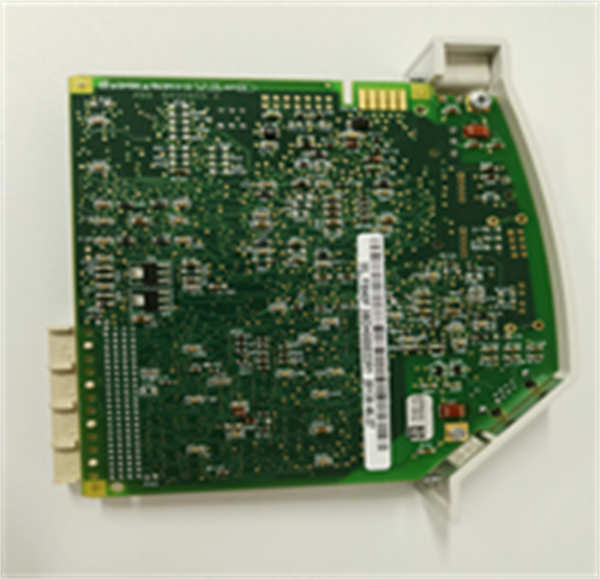
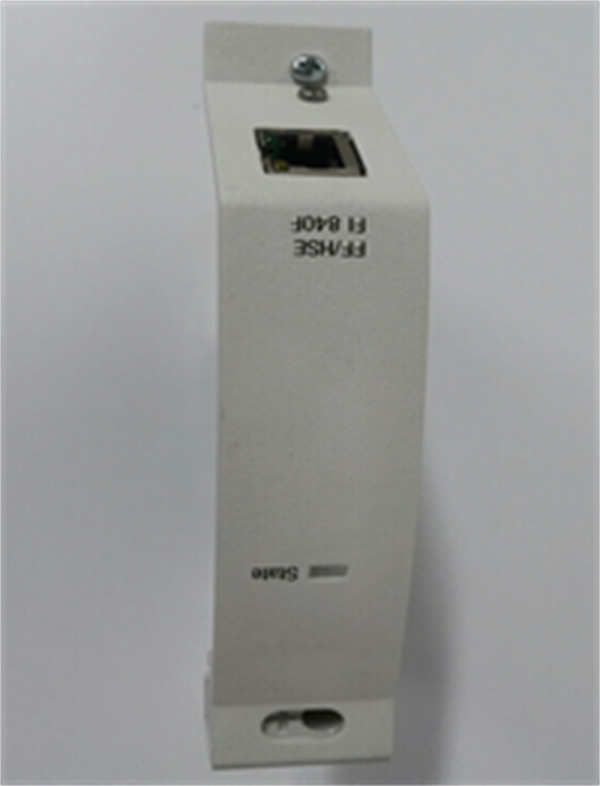
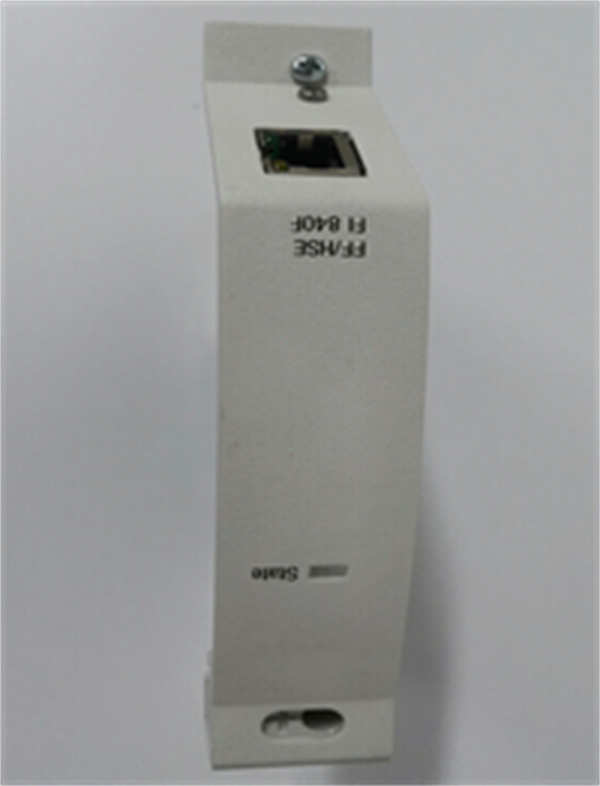
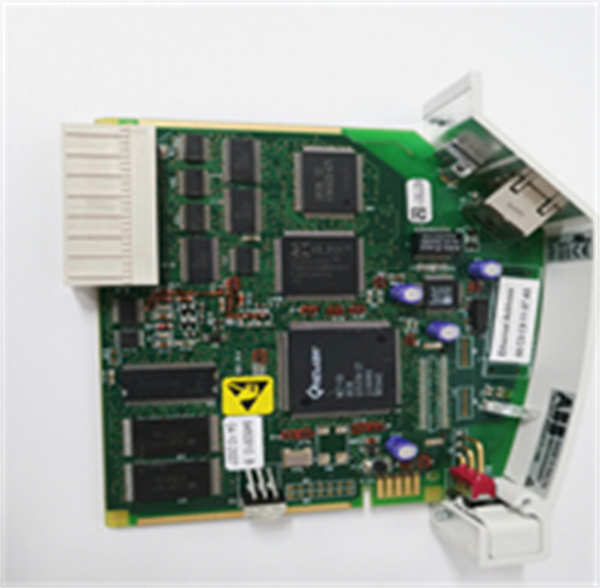
The ABB FI840F (3BDH000033R1) is a specialized High-Speed Ethernet (HSE) module designed for the ABB AC 800F controller series. It serves as the bridge between the controller’s internal bus and the Foundation Fieldbus HSE network, allowing for high-speed data exchange with distributed field devices. As an FF HSE Master, it manages communication on the network segment, ensuring reliable data transmission for process automation applications.This module features an independent ARM processor and memory, offloading communication tasks from the main controller CPU to enhance system performance. It supports auto-negotiation for 10/100 Mbps speeds and connects via a standard shielded RJ45 connector. The FI840F is hot-swappable and can be installed in slots F1 through F4 of the AC 800F controller, providing flexibility in system configuration. Its design includes robust electrical isolation and ESD protection, making it suitable for electrically noisy industrial environments.
Installation & Configuration Guide
Preparation (10 min)
- Safety: Ensure the AC 800F controller power is OFF (unless performing a hot-swap in a redundant system).
- Verify the controller has an available slot (F1, F2, F3, or F4).
- Prepare a standard Cat5e/Cat6 shielded Ethernet cable.
Removal (5–10 min)
- Disconnect the Ethernet cable from the RJ45 port.
- If the controller is powered, ensure the module is deactivated in the software.
- Release the locking mechanism (if applicable) and slide the module out of the slot.
Installation (10 min)
- Insert the FI840F module into the desired slot (F1-F4) on the AC 800F CPU board.
- Ensure it is firmly seated and locked in place.
- Connect the shielded Ethernet cable to the RJ45 port.
- Connect the other end to the FF HSE network switch or hub.
Power-On & Test (10 min)
- Power up the controller. The module will go through a self-test.
- Check LEDs:
- State LED: Should turn Green (Normal operation).
- FF/HSE LED: Green (Link established) or Blinking Green (Data transfer).
- Speed LED: Off (10 Mbps) or Yellow (100 Mbps).
- Use the configuration software (e.g., Control Builder F) to verify the module is recognized and configured as an HSE Master.
Troubleshooting Quick Reference
| Symptom | Probable Cause | Corrective Action |
|---|---|---|
| State LED is Orange | Module recognized but not activated. | Check configuration in Control Builder F; activate the module. |
| State LED is Red | Identification error or hardware fault. | Reseat the module; check for firmware mismatch. |
| FF/HSE LED is Off | No network link. | Check Ethernet cable integrity; verify switch port is active. |
| Speed LED is Off | Connection at 10 Mbps. | Check switch settings; ensure auto-negotiation is enabled on both ends. |
| Communication Dropouts | Network congestion or cable noise. | Use high-quality shielded cables; verify network topology (point-to-point or switched). |
Dimensions, Mounting & Wiring Notes
- Mounting: Directly plugs into the AC 800F Controller backplane (Slots F1-F4).
- Connector: RJ45 Female (Shielded).
- Wiring: Standard Ethernet cabling (Cat5e or higher recommended).
- Note: The FI840F is a “Linking Device” in FF terminology; it connects the HSE backbone to H1 devices (via other linking devices) or other HSE nodes.
FI840F ABB
FAQ
What is the difference between FI840F and other FI modules?
The FI840F is specifically for Foundation Fieldbus HSE (High-Speed Ethernet). Other modules like the FI830F are for PROFIBUS, and FI820F is for Serial communication.Can I hot-swap this module?
Yes, the FI840F supports hot-swapping in the AC 800F controller slots (F1-F4), provided the system configuration allows it (e.g., redundant controller setups).What does the “Speed LED” indicate?
If the Speed LED is Yellow, the link is running at 100 Mbps. If it is Off, the link is running at 10 Mbps.Is this module an HSE Master?
Yes, the FI840F acts as a Foundation Fieldbus HSE Master, meaning it controls the data flow on the HSE segment.What cable should I use?
Use a standard shielded twisted-pair (STP) Ethernet cable (Cat5e or Cat6) with an RJ45 connector to minimize electromagnetic interference (EMI).