Key Technical Specifications
| Parameter | Specification |
|---|---|
| Part Number | IS200AEADH4ADA |
| Manufacturer | GE (General Electric) |
| Product Family | Speedtronic Mark VI / EX2100 Exciter — AEAD series |
| Board Type | Analog I/O & Relay Driver Board |
| Relay Channels | 12 |
| Communication | 2 × relay COM paths (relay COM + 24 VDC) |
| Mounting | VME rack / backplane plug-in |
| Operating Temperature | 30–65 °C |
| Approx. Weight | ~2 lb |
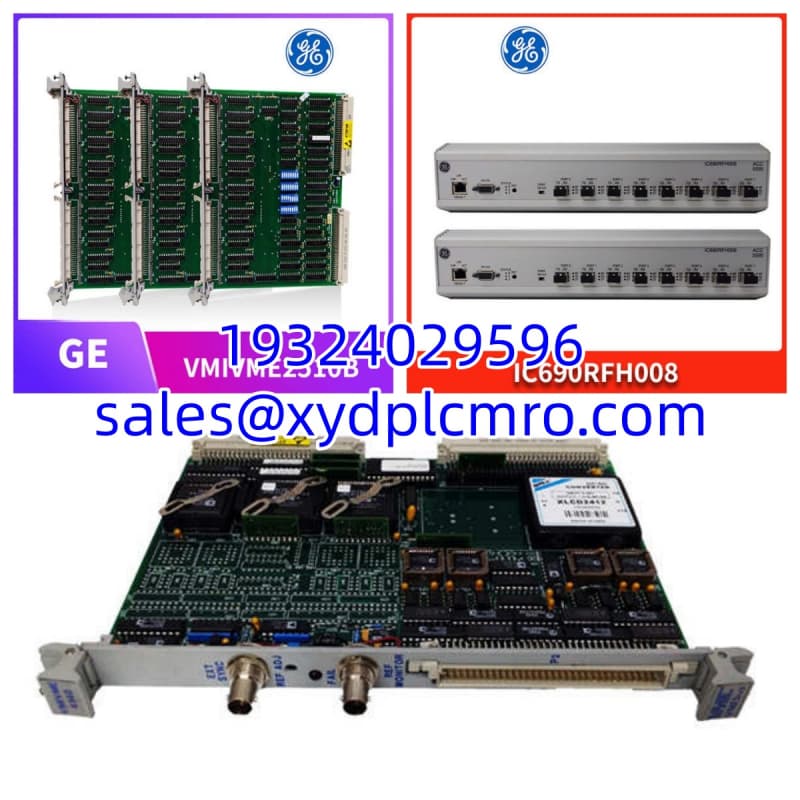
| Board Format | Rectangular PCB, no front panel; 3 × 12-pin vertical terminal strips |
| Status | Obsolete / New Surplus or Refurbished |
Product Introduction
I’ve pulled this board out of more than a few exciter cabinets that smelled like ozone and bad decisions. The IS200AEADH4ADA is GE’s AEAD-series analog I/O board for the Speedtronic Mark VI exciter control system (EX2100 regulator family). It does not run the turbine logic itself. It lives in the exciter rack, conditioning analog signals and driving relay outputs that the regulator depends on. When this card goes dark, the exciter doesn’t just complain — it trips.Engineers keep these on the shelf because lead times on obsolete GE exciter cards can stretch into months, and you cannot “temporarily bypass” an exciter I/O board on a running generator. The 12 relay channels and dual COM paths make it a dense piece of real estate for its size. This specific revision is generally reliable when kept cool and dry, but the terminal strips and relay sockets are where vibration and corrosion do their slow work. Treat the connectors with respect, and the board will usually outlast the maintenance schedule.
Quality SOP & Tech Pitfalls
The Lab Report (SOP)
- Visual & counterfeit check — Verify full part number IS200AEADH4ADA, date code, GE markings, solder joints, and connector pin integrity.
- Connector inspection — Check all three 12-pin terminal strips, relay sockets, and COM connectors for corrosion, bent pins, or heat discoloration.
- Insulation & continuity — Megger/insulation resistance check on relay outputs; continuity check across terminal strip paths with a Fluke 115 or equivalent.
- Live test on compatible rack — Power up on a verified Mark VI/exciter test setup; confirm 24 VDC presence, relay COM behavior, and LED/status indicators.
- Relay actuation test — Cycle relay channels and verify pickup/dropout and contact feedback where applicable.
- Firmware/revision logging — Record any sub-board revisions, jumpers, and firmware tags visible on the assembly.
- Anti-static sealing — Bag in static-shield packaging with desiccant; ship with test record.
The Engineer’s Warning (Pitfalls)
- Revision mismatch kills startups. IS200AEADH4ADA has sibling variants (IS200AEADH4A, IS200AEADH1A, etc.). The suffix matters. A near-match board may physically seat but fail on relay mapping or COM addressing.
- Don’t ignore the jumpers. I once watched a crew swap an AEAD board, skip the jumper photo, and spend six hours chasing a “faulty replacement” that was actually sitting in the wrong COM mode. Photograph every jumper and terminal block before you touch a screwdriver.
- ESD is silent. GE explicitly warns about static damage on these modules. If you pull it without a wrist strap and a grounded mat, you may be installing a board that fails three weeks later.
Installation & Configuration Guide
1. Pre-Installation ⚠️
- Obtain a work permit and follow plant lockout/tagout procedures.
- Confirm the exciter/regulator is in a safe state. Do not hot-swap unless your OEM procedure and system architecture explicitly allow it.
- Photograph every jumper, terminal block label, wire tag, and LED state on the failed board. This prevents roughly 90% of first-power-up headaches.
2. Removal
- Label every wire at the terminal strip.
- Disconnect terminal blocks carefully; do not pull on wires.
- Release the card retainers or DIN clips.
- Slide the board straight out of the backplane. Place it immediately in an ESD bag.
3. Installation
- Copy all jumper and switch settings from the old board to the new board before installation. This is the single most important step.
- Inspect backplane pins for damage or debris.
- Seat the board firmly and evenly. Engage retainers.
- Reconnect terminal blocks using your labels. Double-check torque and polarity.
4. Power-On & Testing
- Verify 24 VDC supply at the rack before energizing the board.
- Power up and observe the LED boot sequence.
- Check relay COM status and confirm no persistent fault LEDs.
- Perform a functional test per the OEM commissioning procedure — relay actuation, analog signal verification, and exciter regulator acknowledgment.
- Document the installed revision and test results.
Compatible Replacement Models
| Compatibility Tier | Model | Notes |
|---|---|---|
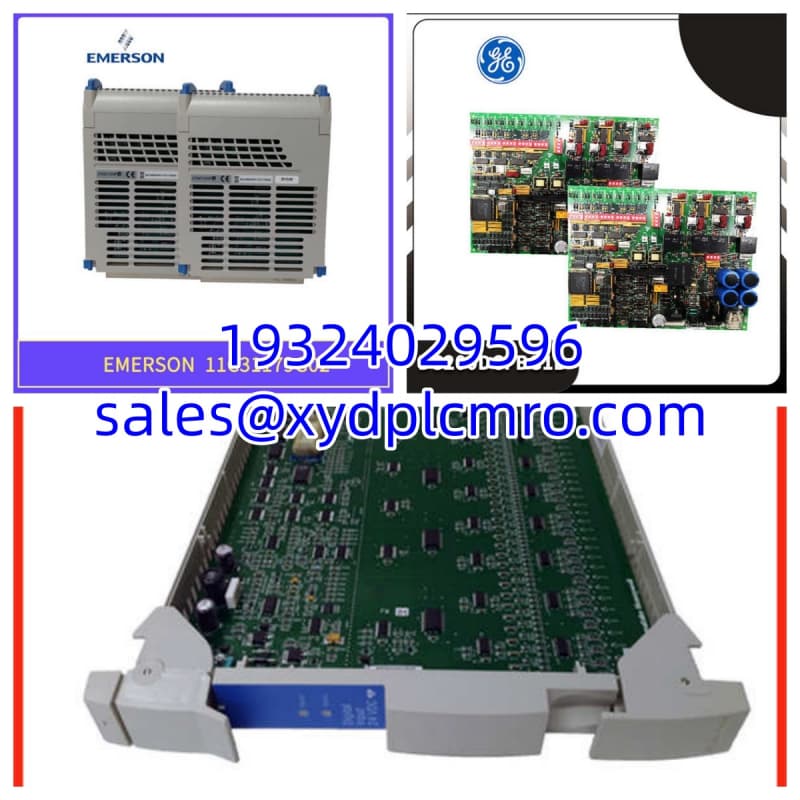
| ✅ Drop-in Replacement | IS200AEADH4ADA (same suffix) | Exact match. Verify sub-revision and jumper settings. |
| ⚠️ Software/Config Compatible | IS200AEADH4A | Close sibling in the AEAD family; may require jumper reconfiguration and OEM verification before use. |
| ❌ Hardware Mod Required | IS200AEADH1A / other AEAD variants | Different suffixes indicate different I/O or COM configurations. Do not substitute without OEM engineering approval. |
Frequently Asked Questions (FAQ)
Can I hot-swap the IS200AEADH4ADA?
Only if your plant procedure and the Mark VI/exciter documentation explicitly allow it. Exciter I/O boards often carry trip-critical relay outputs. Pulling one live can cause an unwanted trip or regulator fault. Shut it down properly unless you have written OEM approval.Will IS200AEADH4A work in place of IS200AEADH4ADA?
Maybe, but do not assume it. The missing “D” and “A” suffixes can change relay mapping, COM behavior, or sub-board configuration. It may physically fit and still behave wrong. Verify against the OEM manual and your existing jumper settings before committing.What causes this board to fail in the field?
Heat, vibration, and corroded terminal strips are the usual suspects. Relay sockets loosen over time. Condensation inside the exciter cabinet accelerates tracking across the terminal blocks. If your cabinet runs above 65 °C, you are already outside the published range.Is new surplus reliable?
It can be, but “new surplus” is not the same as “factory tested for your rack.” Always request a test record, revision photos, and a warranty. A board that sat in a humid warehouse for five years is not the same as one stored under controlled conditions.Do I need to download firmware to this board?
The AEAD board itself is primarily an I/O and relay interface. Firmware typically lives in the regulator/controller processors. However, sub-board revisions and jumper settings still matter. Record everything from the old board before removal.What warranty should I expect?
A reputable supplier should offer at least 12 months on obsolete GE exciter boards. Anything less is a red flag, especially for a board that cannot be easily tested without a Mark VI/exciter test rack.