
 Tel:
Tel:  Email:
  WhatsApp:
 Description
Key Technical Specifications
| Parameter | Specification |
|---|---|
| Manufacturer | GE (General Electric) |
| Product Series | HYDRAN M2 (Mark III) |
| Measurement Type | Dissolved Gas Analysis (DGA) & Moisture |
| Gas Sensors | Composite (H₂, CO, C₂H₂, C₂H₄) or Discrete H₂ |
| Moisture Sensor | Thin-film capacitive (0-100% RH) |
| Communication | RS-485 (Modbus/DNP 3.0), TCP/IP (IEC 61850 optional) |
| Operating Temp | -40°C to +55°C (Electronics); Oil up to 105°C |
| Enclosure | Aluminum, NEMA 4X / IP56 |
| Power Supply | 90–264 VAC (Universal) |
Product Introduction
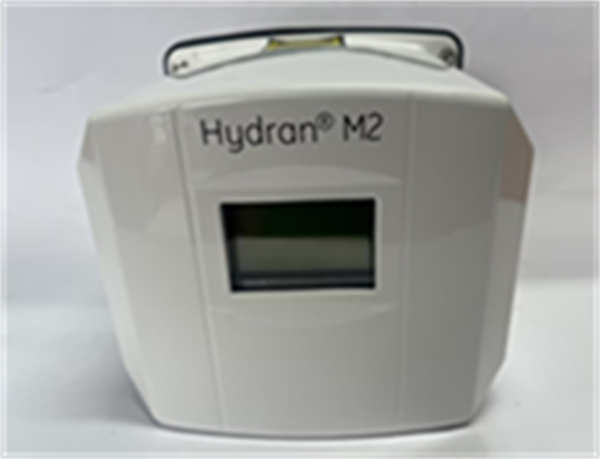
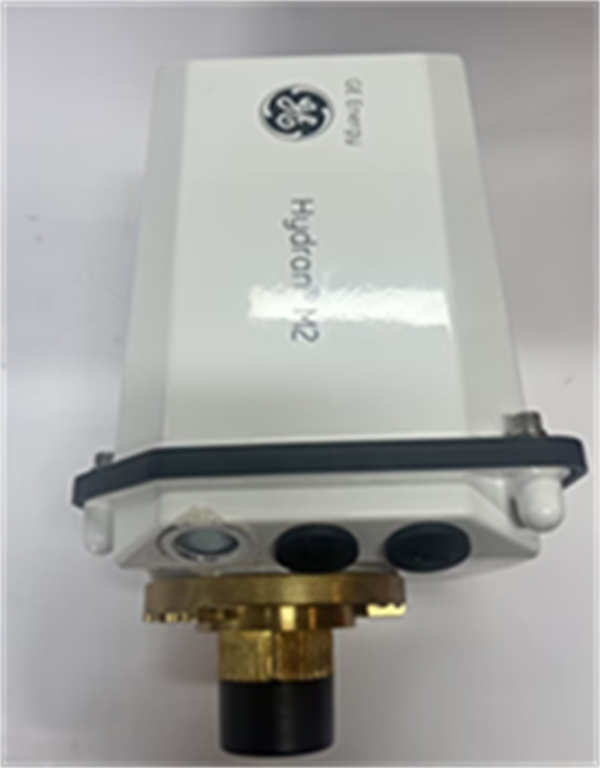
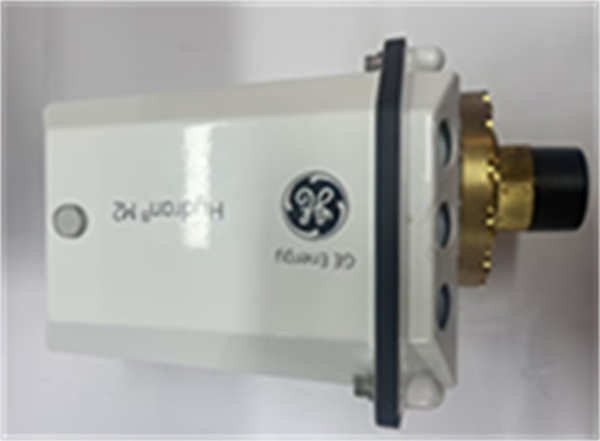
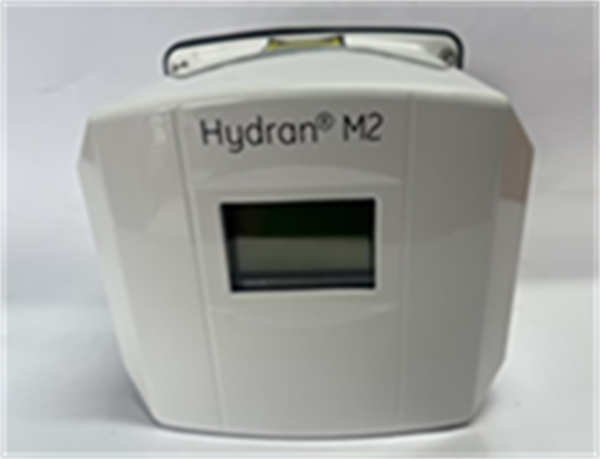
The HYDRAN M2 is a compact, permanently installed online monitoring device manufactured by GE (now GE Vernova/GE Grid Solutions). It is designed to continuously monitor the health of oil-filled electrical transformers by analyzing dissolved gases and moisture levels in the insulating oil.This device serves as an early warning system for transformer faults. By detecting gases such as Hydrogen (H₂), Carbon Monoxide (CO), Acetylene (C₂H₂), and Ethylene (C₂H₄), the HYDRAN M2 can identify issues like arcing, overheating, or partial discharge before they lead to catastrophic failure. The Mark III version features enhanced durability, support for ester-based oils (natural and synthetic), and advanced on-board calculations based on IEEE transformer models to estimate parameters like winding hot-spot temperature and insulation aging.
Installation & Configuration Guide
Phase 1: Preparation (10 min)
- Safety First: Ensure the transformer is in a safe state. While the M2 can often be installed on a live transformer via a sample valve, follow all high-voltage safety protocols.
- Verify Kit Contents: Ensure you have the HYDRAN M2 unit, mounting adapter (if needed for valve size), and communication cables.
- Gather Tools: Adjustable wrench, screwdriver, and laptop with GE Perception software (optional for setup).
Phase 2: Mechanical Installation (15 min)
- Valve Prep: Locate the transformer drain/sample valve (typically 3/4″ or 1″). Ensure the valve is closed and clean.
- Mount Adapter: If using a radiator fin adapter or specific valve adapter, install it first.
- Install M2: Screw the HYDRAN M2 directly onto the valve. Hand-tighten, then use a wrench to secure (do not overtighten).
- Open Valve: Slowly open the transformer valve to allow oil to enter the monitor. Check for leaks immediately.
Phase 3: Electrical & Comms (10 min)
- Power Connection: Connect the power supply (90-264 VAC) to the terminal block.
- Comms Wiring: Connect the RS-485 or Ethernet cable to the communication ports for SCADA integration.
- Grounding: Ensure the unit is properly grounded to the transformer tank.
Phase 4: Commissioning (10 min)
- Power Up: Apply power. The LCD screen should illuminate.
- Self-Test: The unit will perform an automatic self-diagnostic. Ensure no “System Alarm” LEDs are active.
- Configuration: Use the keypad or software to set alarm thresholds (e.g., Gas Alarm level, Moisture Alarm level).
Troubleshooting Quick Reference
| Symptom | Probable Cause | Corrective Action |
|---|---|---|
| Blank Display | No Power | Check power supply connections and fuses. |
| System Alarm | Valve Closed / No Oil Flow | Verify the transformer sample valve is fully open. |
| High Gas Reading | Actual Fault or Air Bubble | Check for air bubbles in the oil; if persistent, investigate transformer health. |
| Communication Fail | Wiring/Protocol Mismatch | Verify RS-485 termination and Modbus address settings. |
| Moisture Sensor Error | Sensor Failure | Contact GE support; sensor may need replacement. |
Dimensions, Mounting & Wiring Notes
- Dimensions: 315 mm (H) x 219 mm (W) x 196 mm (D).
- Weight: Approx. 7.5 kg.
- Mounting: Direct mount on standard transformer oil valves (3/4″ or 1″ NPT). A fin adapter is available for mounting on radiator fins.
- Wiring:
- Power: 90–132 VAC or 180–264 VAC.
- I/O: 5 Relay outputs (C-type), 4-20mA Analog inputs/outputs (optional cards).
- Data: RS-232 (Local), RS-485 (Remote), Ethernet (Optional).
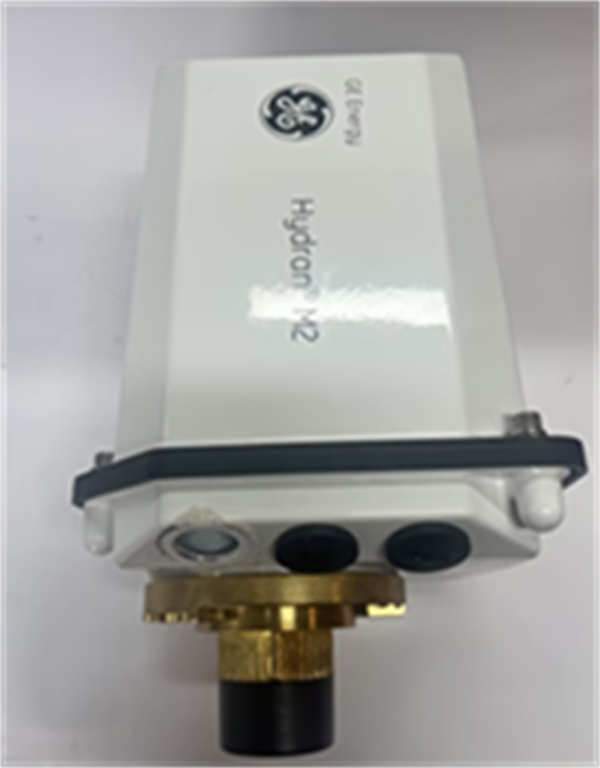
HYDRAN M2 GE
FAQ
What is the difference between the “Composite” and “Discrete” sensors?
The Composite Sensor detects a blend of fault gases (Hydrogen, Carbon Monoxide, Acetylene, Ethylene) and is best for general fault detection. The Discrete H₂ Sensor focuses specifically on Hydrogen, which is the primary indicator for partial discharge and arcing, but may miss thermal faults involving paper insulation (CO).Can the HYDRAN M2 be used with synthetic ester oils?
Yes, the Mark III version of the HYDRAN M2 supports both mineral oils and low-flammability ester-based liquids (natural and synthetic).How does the “Transformer Model” feature work?
The M2 can use IEEE standard mathematical models to calculate internal parameters that cannot be directly measured, such as Winding Hot-Spot Temperature, Insulation Aging, and Water Activity in the paper, provided you connect external sensors for load and top-oil temperature.Does it require calibration?
The HYDRAN M2 is designed to be maintenance-free regarding calibration. It performs automatic self-diagnostics every 15 days. The sensors are long-life (10+ years) and typically do not require field calibration.What software is used with this device?
It is compatible with GE Perception™ software, which allows for data downloading, trend analysis, and visualization of the transformer’s health over time.
GE HYDRAN M2 Transformer Monitor




