

 Tel:
 Email:
 WhatsApp:
Description
Key Technical Specifications
| Parameter | Specification |
|---|---|
| Manufacturer | GE Fanuc / Emerson |
| Part Number | IC695ETM001-EK |
| System Compatibility | PACSystems RX3i Series |
| Primary Function | Ethernet Communication & Protocol Translation |
| Supported Protocols | TCP/IP, SRTP, Modbus TCP (Server/Client), EGD, SNTP |
| Network Interfaces | Dual auto-sensing RJ-45 ports |
| Serial Interface | RS-232 D-Sub for Station Manager |
| Processor Speed | High-speed Ethernet processor |
| Operating Temperature | Industrial standard range |
| Companion Backplanes | RX3i standard chassis |
Product Introduction
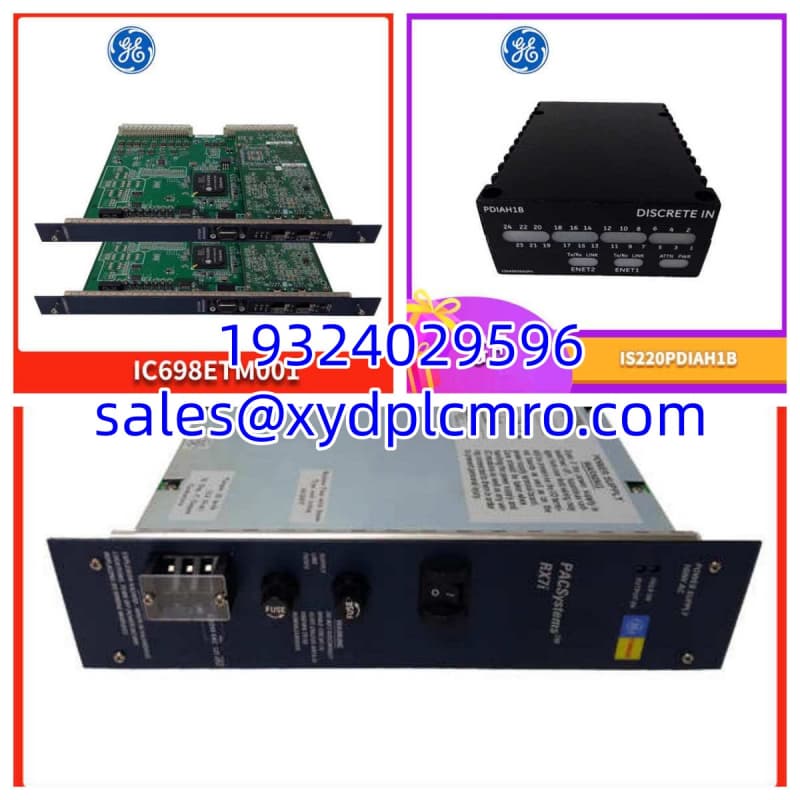
If you’ve spent any time around a GE RX3i control panel, you know the ETM001 doesn’t get much respect until it stops passing data. The IC695ETM001-EK is the workhorse Ethernet transmitter sitting in the RX3i rack. It takes the raw logic from the CPU and scales it into network traffic—SRTP for HMI polling, Modbus TCP for third-party integrations, and EGD for controller-to-controller handshakes. It’s not glamorous, but when this board drops off the network, your SCADA system starts seeing ghosts.Engineers rely on this specific revision because of its mechanical and electrical isolation. It handles the dirty work of conditioning network packets and managing the internal switch before passing them to the backplane. I’ve pulled these out of cabinets running around the clock for years, and the conformal coating usually holds up well against the oil mist and dust. Just don’t expect it to be forgiving. This board is notoriously picky about its firmware revisions. Get a single version mismatch with the CPU, and you’ll spend your weekend chasing phantom communication timeouts instead of going home.
Quality SOP & Tech Pitfalls
The Lab Report (SOP)
Before this board goes in a box to your site, it goes through my bench protocol:
- Visual & Counterfeit Check: Inspect the PCB traces for micro-fractures, especially around the heavy RJ-45 and D-Sub connectors. Verify the silkscreen matches GE OEM standards.
- Live Test on Rack: Powered up on an RX3i test rack. I verify the backplane power distribution and check the Ethernet handshake.
- Insulation & Multimeter Checks: Fluke used to check continuity on the RS-232 pins and verify isolation on the RJ-45 magnetics.
- Firmware Verification: Physically check the firmware version against the standard factory default schema.
- Anti-static Sealing: Bagged with desiccant. No exceptions.
The Engineer’s Warning (Pitfalls)
Do not blindly swap this board. The IC695ETM001-EK relies heavily on firmware versions to enable its hot-swap capabilities. I once responded to a site where a tech swapped a failed ETM001 board, didn’t check the firmware revision on the new one, and just dropped it in a live rack. The default firmware was older than the required version. The result? The backplane didn’t recognize the module, the EGD exchanges timed out, and they tripped the unit on a spurious communication fault during startup.Check the firmware revision before you pull a single wire. Also, watch the recessed reset button. If someone bumps it during maintenance, it can cause a brief communication dropout.
Installation & Configuration Guide
Phase 1: Pre-Installation
- ️ Safety First: Follow your plant’s LOTO (Lockout/Tagout) procedures. The RX3i backplane handles high-speed data and power. Wait for capacitors to discharge.
- ️ Document Everything: Photograph the existing IC695ETM001-EK. I mean everything. The wiring, the RJ-45/D-Sub connector orientations, and especially the IP address settings if you don’t have them backed up.
Phase 2: Removal
- Label all field wiring if not already tagged.
- Gently release the retention clips on the RJ-45 and D-Sub connectors. Do not yank. These cables and pin headers are brittle after years in the field.
- Slide the old board straight out of the RX3i slot.
Phase 3: Installation
- Verify Firmware: If you are hot-swapping, ensure the new board has the required firmware version or higher. This single step prevents the vast majority of startup failures.
- Align the board with the card guides in the RX3i rack.
- Seat the board firmly until the connectors engage. Do not force it; if it binds, check the alignment.
Phase 4: Power-On & Testing
- Restore power to the RX3i rack.
- Check the front panel LEDs. You are looking for a healthy “ETHERNET OK” and “LAN OK” state. If you get a fault LED, immediately check your IP settings and the backplane connection.
- Use Proficy Machine Edition (PME) to verify the EGD and SRTP exchanges are reading plausible values.

Compatible Replacement Models
| Model / Part Number | Compatibility Tier | Notes |
|---|---|---|
| IC695ETM001 | Drop-in Replacement | Base part number without the EK suffix. Usually identical hardware, verify regional compliance markings. |
| IC695ETM001-CD | ️ Software Compatible | Conformal coated version. May require a firmware flash or logic recompile in the CPU to recognize the board properly. Budget engineering validation time. |
| IC695ETM001-LT | Hardware Mod Required | Low Temperature tested version. Designed for extreme cold. Do not attempt to mix these without verifying the environmental specifications of your control room. |
Frequently Asked Questions (FAQ)
Can I hot-swap the IC695ETM001-EK while the PLC is running?
Technically, the RX3i system is designed with hot-swap capabilities, but swapping an Ethernet module is a massive risk. You will introduce transient spikes on the backplane. If you aren’t running the required firmware version or higher, you will fault the CPU. Shut it down properly.What happens if I leave the RS-232 cable plugged in?
The RS-232 port is used for the Station Manager. If you leave a laptop connected during normal operation, it can cause communication bottlenecks or security risks. Remove test connections before returning the board to service.I have a Modbus TCP fault. Is it definitely the ETM001 board?
Not necessarily. The ETM001 routes the signal, but the CPU handles the logic. Check your IP routing and the PME configuration first. The ETM001 is usually the last place I look for a simple Modbus fault.Do these boards come with a warranty?
Yes, typically covered for functional performance on new surplus or refurbished units. However, if you fry the input channels by wiring high voltage into the low-voltage DC backplane, that’s on you. The warranty covers manufacturing defects and component aging, not field wiring errors.Can I use a standard Ethernet cable with this module?
Yes, but it must be a shielded twisted pair (STP) cable. The module features an internal switch, so you don’t need a crossover cable for direct connections. Just ensure the shielding is properly grounded at the panel to prevent EMI from corrupting your EGD packets.