 Tel:
Tel:  Email:
  WhatsApp:
 Description
Key Technical Specifications
| Parameter | Value |
|---|---|
| Product Model | KL2001X1-BD1 |
| Product Family | Emerson DeltaV KL2001X1 series |
| Applicable System | Emerson DeltaV DCS |
| Product Type | Controller / logic solver module |
| Supply Voltage | 24 V DC (verify per nameplate) |
| Communication | DeltaV system network (protocol depends on revision) |
| Mounting | DeltaV controller / carrier slot |
| Condition | New Original / New Surplus / Refurbished (Tested) |
| Warranty | 12 months |
Product Introduction
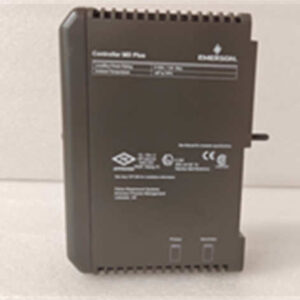
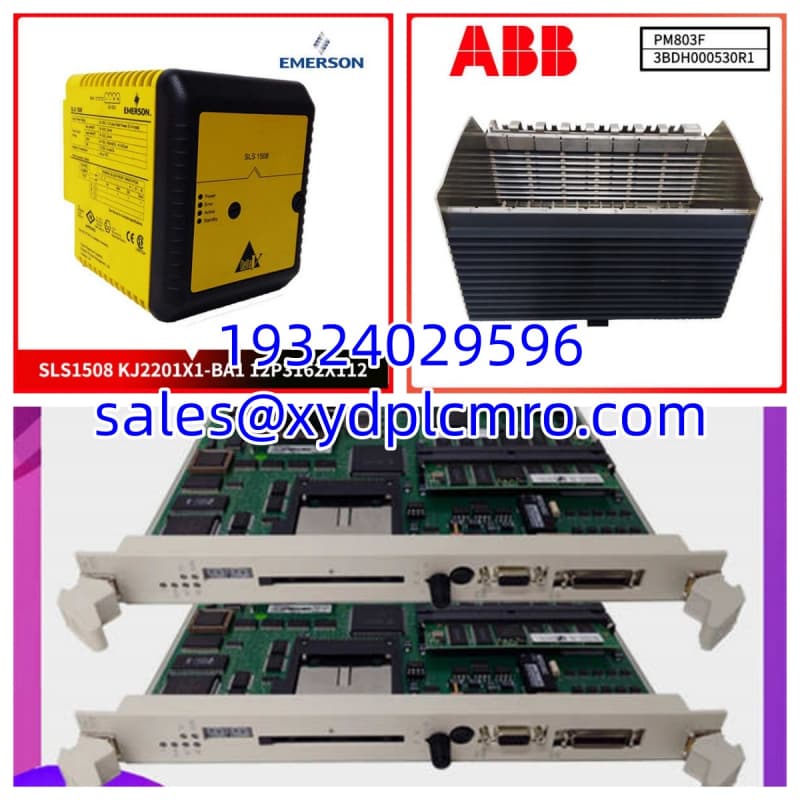
Emerson KL2001X1-BD1 is a DeltaV-series controller or logic module used in Emerson process control systems. It executes control strategies and communicates with DeltaV I/O, networks, and operator stations.This module matters most during legacy system maintenance, controller replacement, or spare-parts planning. The “-BD1” suffix may indicate a hardware revision, firmware variant, or regional configuration. Because DeltaV controller families include several KL2001X1 revisions, substitution must be checked against the installed base, not just the base model number.

Installation & Configuration Guide
Preparation — 10 min
- Record controller tag, rack/slot position, and existing serial number.
- Photograph label, connectors, LEDs, and DIP/jumper settings.
- Confirm KL2001X1-BD1 matches the existing revision and firmware.
- Back up the DeltaV controller configuration before any hardware change.
Removal — 5–10 min
- Place associated control loops in manual or safe state.
- Follow plant lockout/tagout procedures.
- Disconnect network and I/O cables only after confirming safe state.
- Remove the module without forcing the carrier or backplane connector.
Installation — 10 min
- Inspect connectors for bent pins, corrosion, or burn marks.
- Seat the module fully before securing mounting hardware.
- Reconnect network and I/O wiring per original labels.
- Verify the correct slot position for controller vs. I/O modules.
Power-On & Test — 10 min
- Measure 24 V DC supply before enabling the controller.
- Power up and observe LED status indicators.
- Confirm controller downloads and synchronizes with the DeltaV network.
- Verify I/O readings, interlocks, and alarm behavior.
- Return loops to automatic only after stable operation.
Troubleshooting Quick Reference
| Symptom | Most Likely Cause | First Check |
|---|---|---|
| No LEDs after power-up | Missing or low 24 V DC supply | Measure supply at module terminals |
| Controller fails to download | Wrong firmware or revision | Compare firmware and OEM part number |
| Network communication fault | Bad cable, address, or slot | Check DeltaV network LED and cable seating |
| Intermittent faults | Loose connector or backplane contact | Reseat module and inspect pins |
| Logic behavior changed | Configuration mismatch | Compare backup configuration and tag map |
| Module trips again quickly | Downstream short or power issue | Isolate I/O and retest supply |
Dimensions, Mounting & Wiring Notes
- Dimensions: Not confirmed from verified OEM data for KL2001X1-BD1. Use the original module as a mechanical reference.
- Mounting: Installed in a DeltaV controller rack or carrier slot. Exact mechanical interface depends on the DeltaV hardware generation.
- Terminal Notes: Label all network and I/O connections before removal. A swapped network cable can look fine mechanically but fail at the protocol layer.
- Wiring Notes: Keep communication wiring away from high-current drives and motor cables. Verify 24 V DC polarity and ground references before power-up.
FAQ
Can I replace KL2001X1-BB1 with KL2001X1-BD1?
Not without verification. The “-BB1” and “-BD1” suffixes may indicate different revisions, firmware, or communication options. Match the nameplate and DeltaV configuration before swapping.I don’t have the original firmware version. What should I do?
Do not guess. Pull the firmware record from the existing controller or from the DeltaV engineering station backup. Wrong firmware can prevent downloads or change I/O behavior.Is this module still produced by Emerson?
Many older DeltaV controller modules are now maintained as legacy spares. Availability often depends on surplus or tested stock rather than new factory production.Do you test these before shipping?
Function is verified under test conditions when tested stock is supplied. That includes visual inspection, supply voltage check, connector verification, and basic communication confirmation. Full DeltaV system testing depends on available infrastructure.What is the lead time?
Lead time depends on revision availability, condition, and quantity. Confirm per order.Can I use this as a direct spare without reconfiguration?
Only if the firmware, revision, and slot assignment match the original. Otherwise, the controller may require download, address assignment, or firmware alignment.