
 Tel:
Tel:  Email:
  WhatsApp:
 Description
Key Technical Specifications
| Parameter | Specification |
|---|---|
| Part Number | 3BHE022293R0101 |
| Product Type | PEC80-CIO Combined I/O Controller |
| Platform | AC 800PEC / PEC80 / UNITROL 6000 |
| Processor / Integration | Integrated PEC80-CU + PEC80-PM + PEC80-PS + PEC80-OM |
| Digital Inputs | 12 isolated DI (24/48 VDC) |
| Relay Outputs | 16 relay DO (250 VAC, 10 A) |
| Analog Inputs | 3 AI (±10 V / ±20 mA) |
| Analog Outputs | 3 AO (±10 V) |
| Communication | 4-port Ethernet switch, RS485 Modbus, CAN bus |
| Power Supply | Redundant 24 VDC input |
| Redundancy | Dual PCD232A redundancy supported |
| Mounting | DIN rail / rack plug-in module, metal enclosure |
Product Introduction
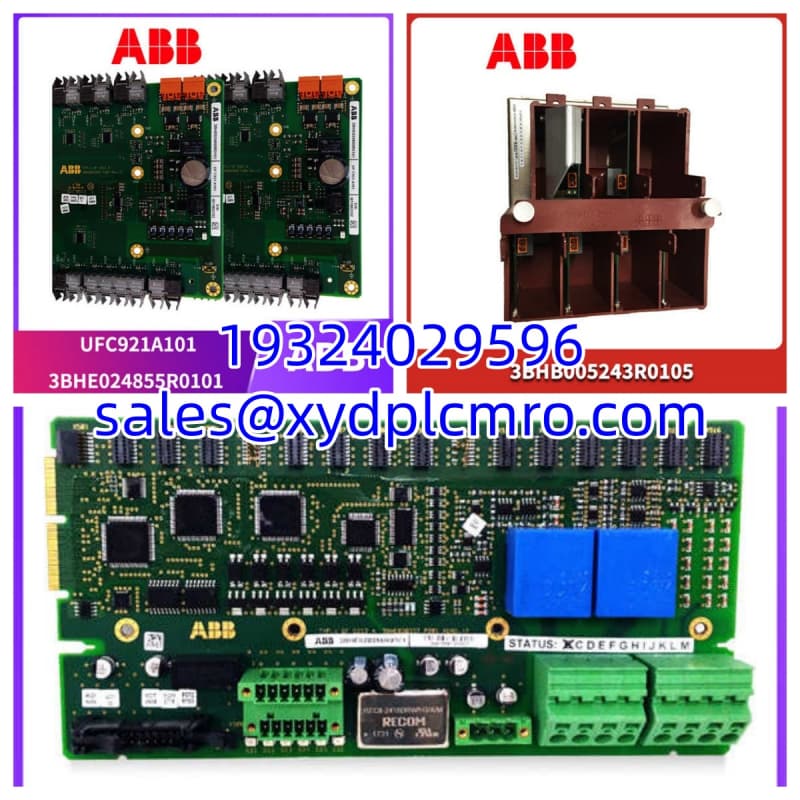
The PCD232A, order number 3BHE022293R0101, is not a generic I/O card. It is the PEC80-CIO integrated controller used inside ABB UNITROL 6000 excitation systems and other AC 800PEC-based power control applications. It combines the processor, power supply, optical interface, and I/O in one module. That makes it convenient for commissioning, but also means a single module failure can knock out excitation control, DCS communication, and local status feedback at the same time.I have seen these modules hold up well in turbine halls and generator bays where dust, heat, and vibration are constant. The relay outputs handle 250 VAC / 10 A, the DI channels are isolated, and the built-in 4-port Ethernet switch plus Modbus RS485 gives it enough connectivity to talk to the DCS without extra gateways. The weak point is never the processor itself — it is the firmware match, the 24 VDC supply quality, and the redundancy configuration. Swapping this module without checking the existing setup is how a planned outage turns into a three-day headache.

Quality SOP & Tech Pitfalls
The Lab Report (SOP)
- Visual and counterfeit check: verify PCD232A, 3BHE022293R0101 labeling, connectors, and enclosure condition.
- Power-up test: apply redundant 24 VDC and verify LED status, boot sequence, and fault indications.
- I/O check: verify DI status, relay DO operation, AI/AO signal range, and isolation integrity.
- Communication check: test Ethernet switch ports, Modbus RS485 response, and CAN bus interface.
- Redundancy check (if applicable): verify dual-controller synchronization and failover indication.
- Electrical checks: measure supply current, terminal insulation, and connector pin condition with a Fluke 115 or equivalent.
- Firmware logging: record firmware/version information before shipment.
- Anti-static packaging: seal in ESD bag with test summary.
The Engineer’s Warning (Pitfalls)
- Firmware mismatch is the most common failure after replacement. If the new PCD232A does not match the existing excitation application version, it may boot but refuse to synchronize or accept the configuration. Photograph the old module label and firmware data before removal.
- Redundancy must be handled carefully. In dual-controller systems, removing the wrong module first can force an unwanted switchover. Confirm which unit is primary/standby and verify synchronization before pulling anything.
- Do not treat this as a simple relay card. The PCD232A runs control logic, handles Modbus/Ethernet/CAN communication, and manages excitation I/O. A wrong replacement can break voltage regulation, protection interlocks, and DCS reporting simultaneously.
- 24 VDC supply quality matters. Ripple, ground loops, or a failed redundant supply channel can prevent the module from starting even when the module itself is healthy.
Installation & Configuration Guide
1. Pre-Installation
- ⚠️ Confirm the excitation system is in a safe state. If redundant, verify primary/standby status.
- ⚠️ Photograph all labels, LED states, Ethernet addresses, wiring, and communication connections.
- Record the firmware version, application version, and redundancy role.
- Verify the 24 VDC supply and redundant power channels.
2. Removal
- Label Ethernet, Modbus RS485, CAN, DI/DO, AI/AO, and power cables.
- Release the DIN rail or rack locking mechanism carefully.
- Remove the module without disturbing adjacent wiring.
- Keep the old module for firmware and configuration reference.
3. Installation
- Copy all settings from the old unit: firmware version, network addresses, redundancy role, and communication parameters.
- Seat the PCD232A firmly into the rack/DIN rail.
- Reconnect Ethernet, Modbus RS485, CAN, I/O wiring, and redundant 24 VDC.
- Verify terminal tightness and shielding integrity.
4. Power-On & Testing
- Apply 24 VDC and observe the LED boot sequence.
- Verify communication with the DCS via Ethernet/Modbus.
- Check DI/DO status, AI/AO readings, and protection signals.
- If redundant, confirm synchronization before removing the old controller.
- Monitor excitation voltage, current feedback, and alarm history for at least one full operating cycle.
Compatible Replacement Models
| Compatibility Tier | Model | Notes |
|---|---|---|
| ✅ Drop-in Replacement | PCD232A (3BHE022293R0101) | Same hardware and application family. Best choice for direct replacement. |
| ⚠️ Software Compatible | PCD232A101 (3BHE022293R0101) | Same base order number with project-specific suffix. Verify firmware, I/O mapping, and redundancy settings before use. |
| ⚠️ Software Compatible | PCD231 / PCD235 | Same PEC80/AC 800PEC family but different I/O or communication configuration. Requires engineering verification and application download. |
| ❌ Hardware Mod Required | PCD230 / PCD233 / Non-PEC80 modules | Different hardware architecture or I/O layout. Not a direct replacement unless the system is re-engineered. |
Frequently Asked Questions (FAQ)
Q: Can I hot-swap a PCD232A?
A: Only if the system is configured for dual-controller redundancy and the standby unit is synchronized. In a single-controller setup, removing the module will interrupt excitation control.Q: Is PCD232A just an I/O relay module?
A: No. It is an integrated controller with CPU, power supply, communication, and I/O. Calling it only a relay module is misleading.Q: Will a new PCD232A work immediately after installation?
A: Not necessarily. The application, firmware version, network addresses, and redundancy role must match the existing system. Treat it as a controlled replacement, not a plug-and-play part.Q: What causes PCD232A failures in the field?
A: Most issues come from 24 VDC supply problems, firmware mismatch, failed redundancy synchronization, communication address conflicts, or aged relay contacts.Q: Does it support Modbus and Ethernet at the same time?
A: Yes. It has a 4-port Ethernet switch and an RS485 Modbus interface, plus CAN bus. This is one reason it is commonly used in UNITROL 6000 excitation cabinets.Q: Can I replace it with a generic AC 800PEC CPU?
A: No. The PCD232A is a PEC80-CIO integrated unit with specific I/O and excitation application dependencies. A generic AC 800PEC controller is not a direct substitute.Q: Is this module still available new from ABB?
A: Treat it as a legacy excitation controller. Unless confirmed by an authorized ABB channel, most market supply will be new surplus, unused stock, or tested surplus.