
 Tel:
Tel:  Email:
  WhatsApp:
 Description
Key Technical Specifications
| Parameter | Specification |
|---|---|
| System Compatibility | GE Speedtronic Mark VIe (TMR & Simplex) |
| Input Voltage | 24 V DC nominal (18–32 V DC range) |
| Input Channels | 2 Independent Redundant Inputs (A/B) |
| Max Current Rating | 10 A continuous per input channel |
| Isolation Method | High-current Schottky diode OR-ing |
| Output Connections | Distributed to backplane power rails |
| LED Indicators | Input A Active, Input B Active, Fault/Alarm |
| Protection | Reverse polarity protection, Over-current thermal trip |
| Connector Type | Heavy-duty terminal blocks (J1/J2) |
| Operating Temp | -30°C to +65°C |
| Humidity | 5% to 95% non-condensing |
| Coating | Conformal coating (Class H) for corrosion resistance |
Product Introduction
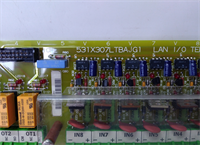
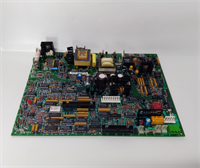
The GE IS220PSFDH1A acts as the primary power entry point for Mark VIe control racks, managing dual redundant 24V DC feeds from external UPS systems or battery banks. It ensures uninterrupted operation by automatically switching to the healthy power source if one feed fails, without interrupting logic execution.This module prevents back-feeding between power sources using high-efficiency diode isolation, a critical feature for maintaining system integrity during maintenance. Units with verified diode forward voltage drops (<0.4V) show significantly lower heat generation in enclosed cabinets. We measure this drop during testing.
 Installation & Configuration Guide
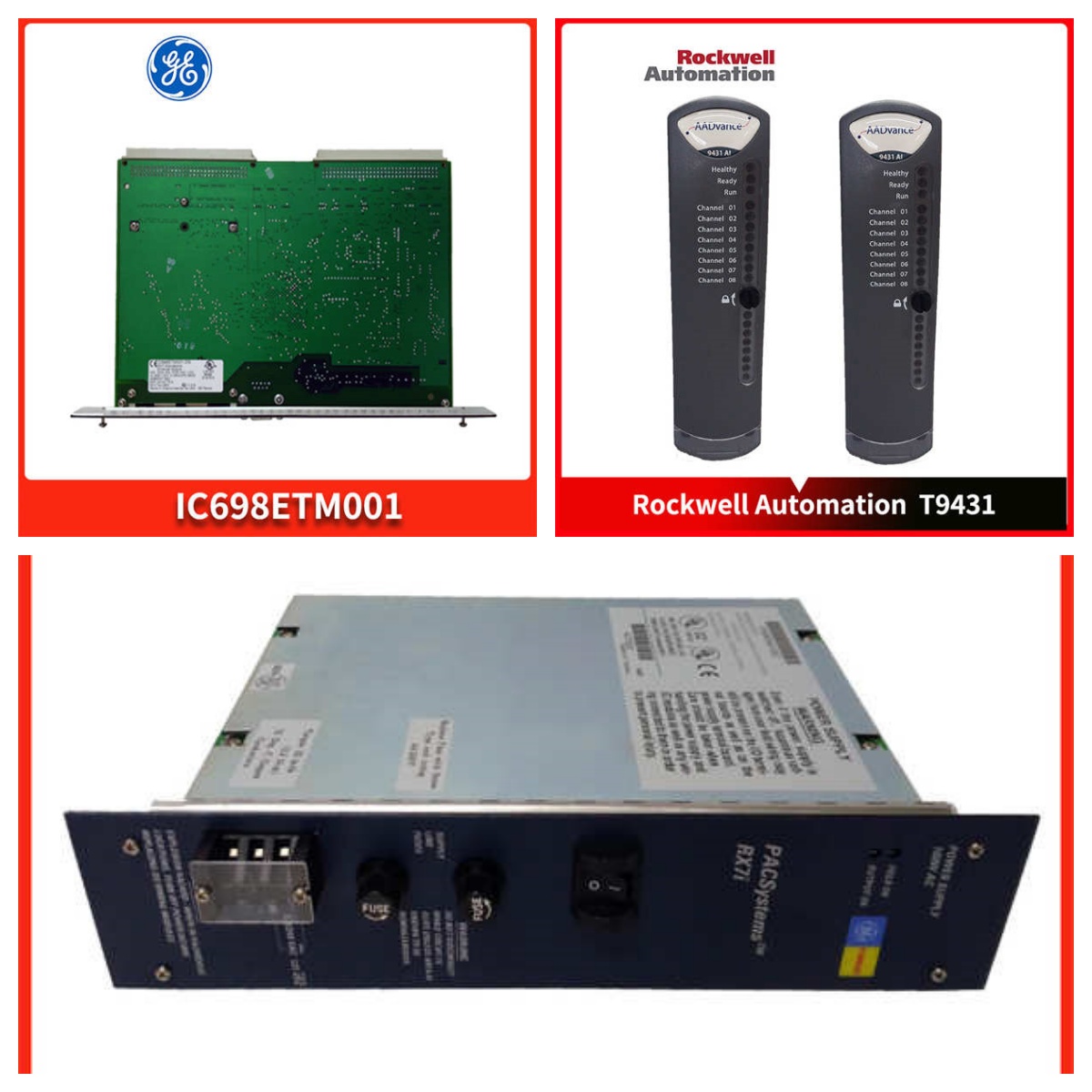 Installation & Configuration Guide
Preparation (10 min)
Confirm the incoming power supply voltages (Source A and Source B) are within 18–32V DC. Gather a torque screwdriver, ESD wrist strap, and multimeter. Label existing wires before removal to prevent cross-connection. Check the new unit’s terminal block for physical damage or loose screws.Removal (5–10 min)
De-energize both power sources if possible. If hot-swapping, ensure the second source is stable and carrying the full load. Disconnect field wiring from J1 and J2 terminals. Remove the two mounting screws securing the board. Slide the board out; support its weight to avoid stressing the backplane connector.Installation (10 min)
Insert the IS220PSFDH1A into the designated slot, aligning guides carefully. Push until the ejector levers click. Secure mounting screws to specified torque (0.5 Nm). Reconnect field wiring: Source A to Channel A, Source B to Channel B. Tighten terminals to 0.6 Nm to prevent arcing.Power-On & Test (10 min)
Energize Source A first. Verify the “Input A” LED illuminates. Measure output voltage at the backplane test points; it should match input minus ~0.3V diode drop. Energize Source B; both LEDs should be on. Simulate a failure by disconnecting Source A; the system must remain online with no glitch. Check for abnormal heating.
Troubleshooting Quick Reference
| Symptom | Probability | Action |
|---|---|---|
| No LEDs lit | High | Check incoming 24V DC fuses/breakers. Verify wiring polarity at terminals. |
| Only one LED lit | Medium | Normal if only one source is active. If both sources are on, check the failed source voltage. |
| Board overheating (>70°C) | Medium | Inspect terminal tightness (loose connections cause heat). Check load current; ensure <10A per channel. |
| Output voltage low | Low | Measure diode forward drop. A high drop indicates a failing diode; replace board. |
| Intermittent power loss | Low | Check for vibration loosening terminals. Inspect backplane pins for corrosion. |
Dimensions, Mounting & Wiring Notes
- Dimensions: Approx. 160mm (H) x 100mm (W) x 50mm (D) including terminal blocks.
- Mounting: Slides into standard Mark VIe 19-inch rack slots. Secured by two front-panel screws.
- Wiring: Uses heavy-duty screw terminals for high-current inputs. Wire gauge: 12–14 AWG stranded copper recommended for 10A loads.
- Note: Ensure wire strands are fully inserted; stray strands can cause short circuits between adjacent terminals. Use ferrules for best reliability.
FAQ (5–7 questions)
Q: Can I run this board with only one power source connected?
A: Yes, the IS220PSFDH1A operates perfectly with a single input. The redundancy feature is optional but highly recommended for critical turbine control. Just connect to either Channel A or B; the diode isolation prevents back-flow.Q: I noticed the board gets warm to the touch. Is this normal?
A: Yes, slight warmth is expected due to the voltage drop across the internal isolation diodes (P = V_drop × Current). At 10A load, expect a temperature rise of 15–20°C above ambient. If it’s too hot to hold comfortably (>70°C), check your terminal torque and airflow.Q: How do you verify the redundancy function before shipping?
A: We simulate a dual-power setup on our test rack. We load the board to 80% capacity, then physically disconnect Input A while monitoring output voltage with an oscilloscope. We look for any dip >5% or duration >1ms. Passing units show zero interruption.Q: What happens if I accidentally swap Input A and Input B wiring?
A: Nothing catastrophic. Since the inputs are isolated and identical, swapping them won’t damage the board or the system. The LEDs will just indicate which physical terminal has power. It’s electrically symmetrical.Q: Do you provide a test report for the diode health?
A: Yes. Our test report includes the measured forward voltage drop for both channels at a standardized test current. This data helps predict thermal performance in your specific cabinet environment.Q: Is this compatible with the older Mark V systems?
A: No. The IS220PSFDH1A is designed specifically for the Mark VIe architecture and backplane pinout. Mark V systems use different power distribution modules (like PDIA/TDIA). Attempting to fit this into a Mark V rack will fail mechanically and electrically.Q: Why is the current rating limited to 10A?
A: The limit is set by the terminal block capacity and the thermal design of the PCB traces. Exceeding 10A risks melting terminals or delaminating traces. If your rack requires more power, you must distribute loads across multiple racks or use higher-capacity external distribution panels.