
 Tel:
Tel:  Email:
  WhatsApp:
 Description
Key Technical Specifications
- Bus Standard: VME64x (P1/P2 connectors, 64-bit data path)
- Processor Type: High-speed Embedded RISC (Specific clock speed dependent on firmware load)
- Memory: 512 MB DDR RAM (Typical for Rev E), 256 MB Flash Storage
- Communication Ports: 2x Gigabit Ethernet (RJ45), 1x RS-232 Debug Port, 1x USB Service Port (Rev E specific)
- Input Voltage: +5V DC @ 3.0A (Max), +3.3V DC auxiliary via backplane
- Operating Temperature: -30°C to +65°C (-22°F to +149°F)
- Storage Temperature: -40°C to +85°C
- Humidity: 5% to 95% Non-condensing
- Mounting: Vertical VME Rack Mount (Eurocard format)
- Firmware Compatibility: ToolboxST v4.x and v5.x (Verify specific patch level)
- LED Diagnostics: Power, Run, Fault, Ethernet Link/Activity, Disk Access
- Certifications: UL 508, cUL, CE, ATEX (Zone 2), IECEx
Product Introduction
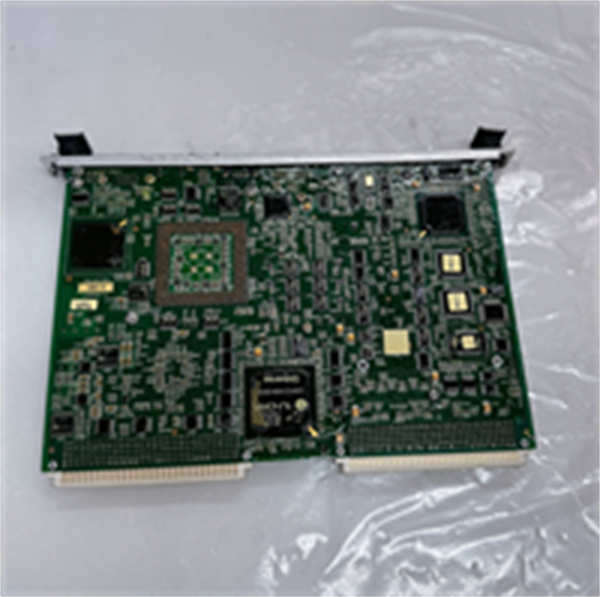
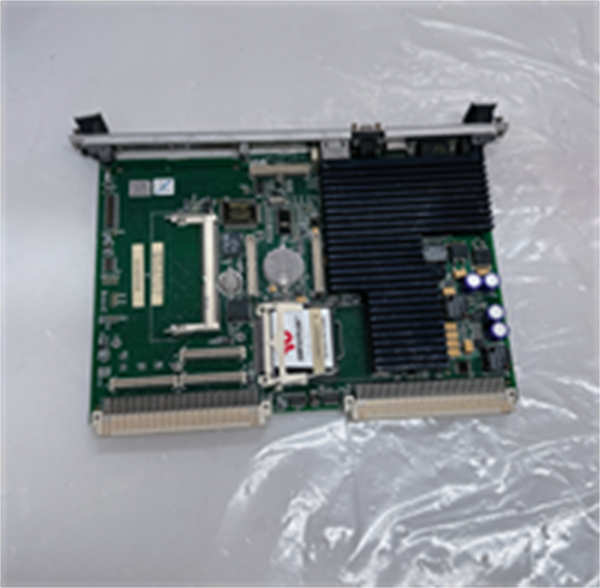
If your Mark VIe system is lagging during a startup sequence or dropping packets on the IDH network, the controller is usually the first suspect. The IS215UCVEH2AE isn’t just a generic CPU; it’s the brain GE designed specifically to handle the heavy lifting of modern turbine protection logic. I’ve installed these in combined cycle plants where the vibration levels would shake a standard PC apart in a week, and this board just sits there, scanning logic every 10ms without a hiccup. That reliability is why it’s still the standard for retrofits and new builds alike.The “H2” designation indicates a higher performance tier compared to the older H1 models, offering faster scan times and larger memory buffers for historical data logging. Engineers choose this revision because it handles the increased bandwidth of Gigabit Ethernet without choking, which is crucial when you’re running simultaneous UDH and IDH traffic plus engineering workstation connections. One thing to watch: Revision E boards introduced a USB service port that older revisions lack. It’s handy for quick dumps, but don’t leave a thumb drive plugged in during operation; I’ve seen ESD from a cheap drive fry the port controller, taking down the whole node.
Quality SOP & Tech Pitfalls (The Reality Check)
The Lab Report (SOP)
We don’t ship blind. Every IS215UCVEH2AE goes through a strict validation protocol before it leaves our bench.
- Visual & Counterfeit Check: We inspect the VME pins under 10x magnification. Bent pins are an instant reject. We also verify chip markings against GE’s known authentic silkscreen patterns.
- Live Backplane Test: The board is inserted into a calibrated Mark VIe test rack. We monitor the 5V and 3.3V rails for noise; anything over 50mV ripple triggers a failure.
- Communication Stress Test: Using Wireshark on a mirrored port, we flood both Ethernet interfaces with 1000 Mbps traffic for 2 hours. Zero packet loss is the only passing grade.
- Firmware Verification: We boot the board with a clean ToolboxST image and verify the checksum matches the OEM release notes for Rev E.
- ESD Sealing: After passing, the unit is placed in a silver static-shield bag with humidity indicator cards, then boxed in anti-static foam.
The Engineer’s Warning (Pitfalls)
The biggest headache with the IS215UCVEH2AE is the firmware mismatch between the controller and the I/O packs. I once responded to a site where a technician swapped a failed H1 board with this H2AE model. The board powered up, LEDs were green, but the turbine wouldn’t start. Why? The H2AE required a newer firmware load that wasn’t compatible with the legacy I/O packs in the rack. The system timed out waiting for a handshake that never came. Always verify your entire rack’s firmware compatibility matrix before swapping in a higher-revision controller.Another classic mistake: ignoring the USB port. In the field, that port is a magnet for dust and moisture if the cap is left off. I’ve seen corrosion creep into the USB connector and short the 5V rail, blowing the fuse on the backplane. If you aren’t using the USB port for service, keep the rubber cap firmly seated. And for heaven’s sake, don’t try to hot-swap this in a Simplex configuration. You will trip the unit.
Installation & Configuration Guide
Time Estimate: 30 Minutes (Plus logic download time)
- Pre-Installation Safety
- ⚠️ CRITICAL: Ensure the turbine control system is in “Maintenance Mode” or fully shut down. Hot-swapping the main controller in a Simplex rack will cause an immediate unit trip. In TMR, proceed only if the other two controllers are healthy and voting logic allows.
- Ground yourself with a wrist strap connected to the rack chassis.
- Document Everything: Take high-resolution photos of the DIP switches, jumper settings, and cable labels on the failing board.
- Removal
- Label all Ethernet and serial cables clearly (e.g., “UDH Port A”, “IDH Port B”).
- Unlock the ejector levers at the top and bottom of the card. Wiggle gently side-to-side to break the seal, then pull straight out.
- Place the old board immediately into an anti-static bag.
- Installation
- Replicate Settings: Set the DIP switches on the new IS215UCVEH2AE to exactly match your photos. This defines the node ID and boot mode. Getting this wrong is the #1 cause of “no comm” errors.
- Slide the new board into the slot, ensuring it rides smoothly on the guide rails.
- Push firmly until the ejector levers lock with an audible click. Verify the faceplate is flush.
- Reconnect all cables to their corresponding ports.
- Power-On & Testing
- Restore power. Observe the LED sequence: Power -> Run (flashing) -> Comm (steady/flashing).
- Launch ToolboxST on the engineering station. Connect to the controller.
- If the firmware version prompt appears, do not blindly click “Update.” Check your project backup first.
- Monitor the “Fault” LED. If it blinks, count the pattern and cross-reference with the GE diagnostic manual.
- Perform a forced logic download if required, then cycle power once to ensure a clean boot state.
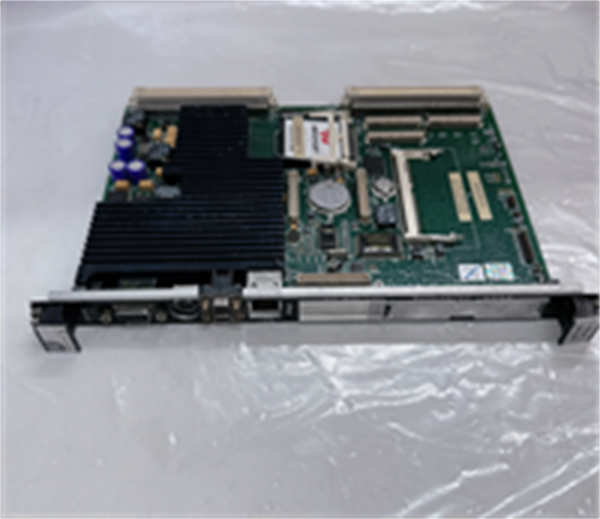
IS215UCVEH2AE GE
Compatible Replacement Models
| Model Number | Compatibility Tier | Notes |
|---|---|---|
| IS215UCVEH2AE | ✅ Drop-in Replacement | Exact match. Preferred for current Mark VIe systems. |
| IS215UCVEH2AD | ✅ Drop-in Replacement | Previous revision (D). Hardware identical, but may require firmware downgrade to match existing project. |
| IS215UCVEH1A | ⚠️ Software Compatible | Older hardware. Will fit physically, but slower processing speed may affect scan times. Requires firmware check. |
| IS215UCVEM10A | ❌ Hardware Mod Required | Different form factor and bus architecture. Cannot be used as a direct swap for H2 series. |
Frequently Asked Questions (FAQ)
Q: Can I use this IS215UCVEH2AE to replace an older UCVEH1A board?
A: Physically, yes. They fit the same slot. However, the H2AE has a faster processor and different memory mapping. You must check your ToolboxST project file. If the project was compiled for H1 hardware, it might not run correctly on H2 without recompilation. Don’t assume backward compatibility; verify with the OEM migration guide.Q: The “Run” LED is flashing rapidly, but I can’t connect via Ethernet. What’s wrong?
A: Rapid flashing usually means the board is in “Bootloader” mode or failed its self-test. First, check your DIP switches; if the “Force Boot” switch is on, it won’t load the main OS. Second, verify your laptop’s IP address is on the same subnet as the controller’s default service IP. If those are correct, the firmware image might be corrupted, requiring a reload via the serial port.Q: Is the USB port on the Rev E board safe to use in a hazardous area?
A: No. Never plug or unplug devices into the USB port while the system is energized in a classified hazardous location. The act of connecting can create a tiny spark. Only use the USB port for maintenance when the area is declared safe or the system is de-energized. Use the Ethernet port for remote diagnostics whenever possible.Q: How long does the firmware download take?
A: Depending on the size of your logic project and the network load, expect 5 to 15 minutes. Do not interrupt power or disconnect the cable during this process. I’ve seen a power flicker during a download brick a controller, turning a 15-minute job into a 2-day RMA nightmare.Q: Does this board support redundant power inputs?
A: The board itself draws power from the VME backplane. Redundancy is handled by the rack’s power supply modules (PSAs), not the controller card. Ensure your rack has dual PSAs installed and functioning if you require power redundancy. The IS215UCVEH2AE doesn’t have separate terminal blocks for power input.




