 Tel:
Tel:  Email:
  WhatsApp:
 Description
Key Technical Specifications
| Parameter | Specification |
|---|---|
| Processor | Embedded RISC (Specific to GE Arch) |
| Ethernet Ports | 2 x 10/100 Base-TX (RJ45) |
| Serial Ports | 2 x Configurable (RS-232/422/485) |
| Firmware Rev | H2BEE (Critical Match Required) |
| Backplane Bus | VME64x Compatible |
| Input Voltage | 5V DC (via Backplane) |
| Current Draw | ~450 mA typical @ 5V |
| Operating Temp | -30°C to +65°C |
| Storage Temp | -40°C to +85°C |
| Humidity | 5% to 95% Non-condensing |
| Isolation | 1500 V RMS (Network to Logic) |
| LED Indicators | Power, Run, Fault, Link/Activity (per port) |
Product Introduction
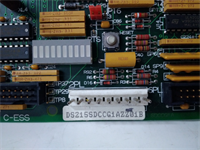
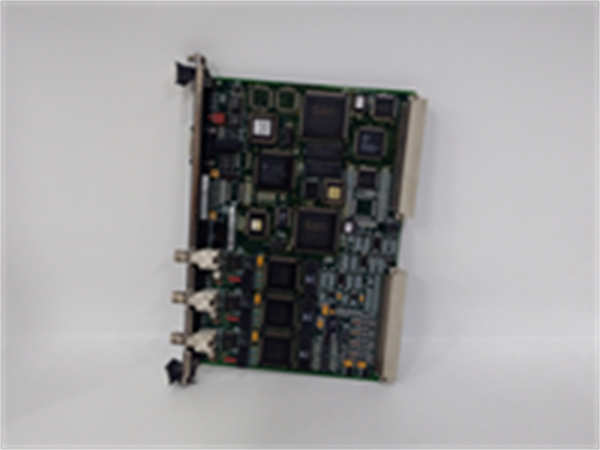
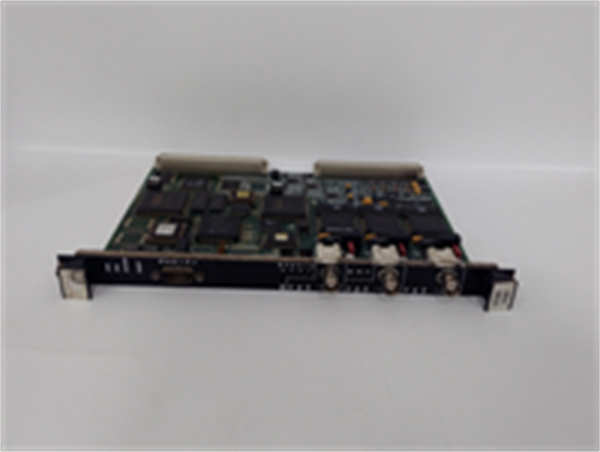
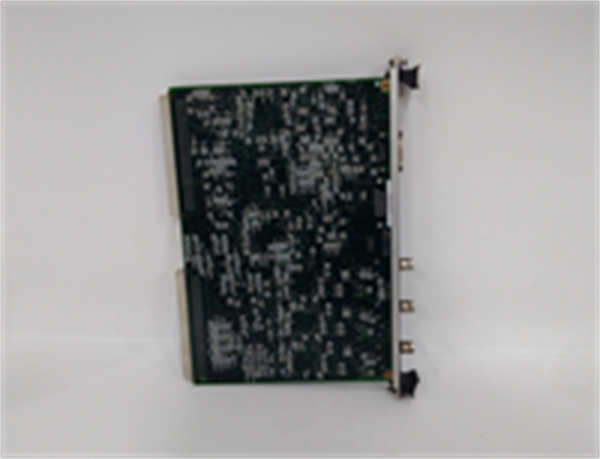
The IS200VCMIH2BEE serves as the central communication hub for GE Mark VIe turbine control systems, bridging the VME backplane data with external HMIs, DCS systems, and historical databases. It manages protocol conversion for Modbus TCP, Ethernet/IP, and serial communications simultaneously.This specific “H2BEE” revision addresses latency issues found in earlier “H1” loads, improving packet throughput by approximately 20% during high-load alarm scenarios. Field engineers note that the “Run” LED on this revision pulses at a distinct 2Hz rate when healthy, whereas older versions held a steady state; this visual cue allows for rapid status checks from across the control cabinet.
Installation & Configuration Guide
Preparation (10 min)
- Download the specific configuration file (.CFG) matching the H2BEE firmware from the secure server.
- Inspect RJ45 and DB9 ports for bent pins or corrosion.
- Verify the VME slot assignment in the ToolboxST software matches the physical location.
Removal (5–10 min)
- Label all Ethernet and Serial cables (Port 1A, 1B, 2A, 2B).
- Disconnect cables gently; do not pull by the wire jacket.
- Release the locking levers on the top and bottom of the faceplate.
- Slide the IS200VCMIH2BEE straight out. Support the weight to avoid dropping it onto the backplane pins.
Installation (10 min)
- Align the guide rails with the chassis slots. Ensure no obstruction.
- Push firmly until the VME connector seats fully. A distinct “thud” indicates engagement.
- Engage the locking levers. They must click into place.
- Reconnect shielded cables. Ground the cable shields at the cabinet entry point, not at the module.
Power-On & Test (10 min)
- Apply rack power.
- Watch the “Power” LED turn green immediately.
- Wait 30 seconds for the boot sequence. The “Run” LED should begin pulsing.
- Ping the module IP address. Latency should be <5ms on the local network.
- Verify serial port handshakes using a terminal emulator (9600 baud, 8N1 default).
Troubleshooting Quick Reference
| Symptom | Probability | Action |
|---|---|---|
| “Fault” LED Solid Red | High | Firmware corruption or mismatch. Reload H2BEE image via serial console. |
| No Link Light on Eth1 | High | Check cable continuity. Verify switch port speed (force 100Mbps if auto-neg fails). |
| Serial Data Garbage | Medium | Check baud rate settings. Verify ground reference between devices. |
| Module Not Detected by VME | Medium | Backplane pin damage. Inspect connector under magnification. |
| High CPU Usage Alarm | Low | Network broadcast storm. Isolate ports to identify source. |
IS200VCMIH2BEE GE
Dimensions, Mounting & Wiring Notes
- Dimensions: 160 mm (H) × 100 mm (W) × 125 mm (D).
- Mounting: Standard Mark VIe VME slot. Locks into adjacent packs for rigidity.
- Terminal Notes:
- Ethernet: Standard RJ45 (T568B wiring preferred).
- Serial: DB9 Male. Pin 2=RX, Pin 3=TX, Pin 5=GND (RS-232).
- Wiring Tip: Use industrial-grade shielded Cat5e for Ethernet. For serial runs over 15 meters, switch to RS-485 mode and use twisted pair shielded cable to prevent noise induction.
FAQ
Q: Can I swap an IS200VCMIH2BEE with an H2BED model?
Generally no. The last three letters indicate specific firmware loads and hardware options. An “H2BED” might lack the specific serial drivers required for your legacy instrumentation. Always match the full suffix.Q: The “Run” LED is off, but “Power” is green. What’s wrong?
The bootloader likely failed. This often happens after a power surge. You will need to connect via the service port and reload the firmware image manually.Q: How do I check the firmware version without removing the card?
Connect to the controller via ToolboxST. Go to the “Hardware Configuration” tab. The firmware revision is displayed next to the slot number for the IS200VCMIH2BEE.Q: Is this available as new original?
Most stock is “New Surplus” or “Factory Refurbished.” Genuine new production is rare for this revision. We verify all surplus units against OEM serial databases to ensure authenticity.Q: Does this support fiber optic connections?
Not directly. This model uses copper RJ45. If you need fiber, you must use external media converters. Ensure the converters are industrial-rated to match the turbine environment.Q: What is the warranty period?
Standard warranty is 1 year from shipment. This covers functional failures. It does not cover damage from lightning strikes, improper grounding, or voltage spikes.Q: I see intermittent communication drops. Is it the card?
Maybe, but check your network topology first. A loop in the external switch network often causes symptoms that look like a failing IS200VCMIH2BEE. Isolate the card to a direct laptop connection to rule out external factors.