
 Tel:
Tel:  Email:
  WhatsApp:
 Description
Key Technical Specifications
| Parameter | Value / Description |
|---|---|
| Processor Type | Intel Pentium M or Equivalent Embedded |
| Memory (RAM) | 512 MB DDR SDRAM |
| Flash Storage | 256 MB CompactFlash (Industrial Grade) |
| Operating Voltage | 24 V DC (Range: 18–32 V) |
| Power Consumption | Max 12 W (Typical 9 W) |
| Communication Ports | 3x 10/100 Mbps Ethernet (RJ45) |
| USB Interface | 1x USB 2.0 Type-A (Front Access) |
| Redundancy Support | Triple Modular Redundant (TMR) Capable |
| Operating Temperature | -30 °C to +70 °C (-22 °F to +158 °F) |
| Storage Temperature | -40 °C to +85 °C (-40 °F to +185 °F) |
| Relative Humidity | 5% to 95% (Non-condensing) |
| Certification | CE, UL Listed for Industrial Control |
Product Introduction
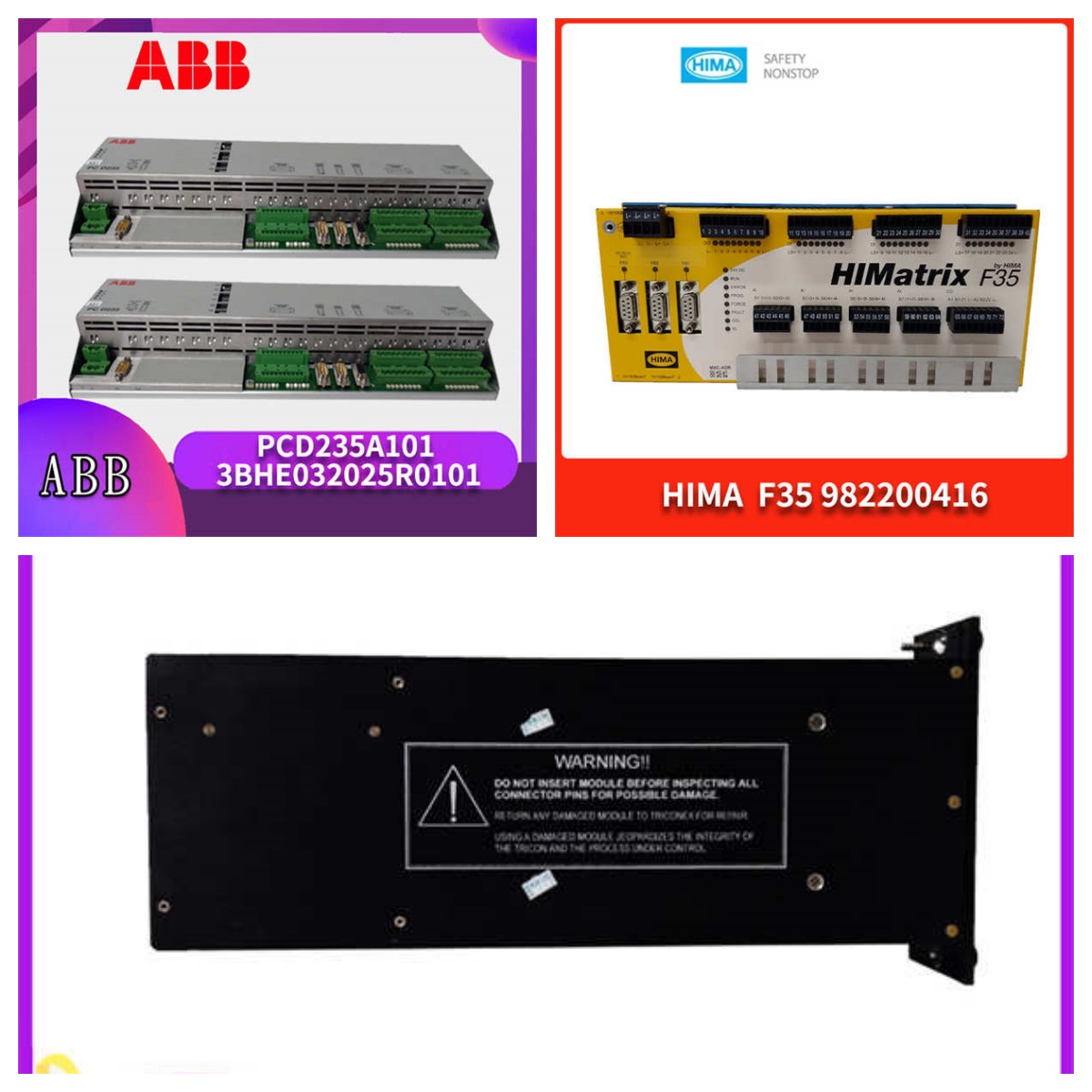
The IS200CPFXG1A serves as the primary computational engine within GE’s Mark VIe platform, managing critical turbine sequencing and protection logic. It processes inputs from I/O packs and executes user-defined control algorithms at deterministic speeds required for power generation stability.Field data indicates this revision offers improved thermal management over earlier FG-series units, maintaining stable clock speeds even at ambient temperatures near 65 °C. Units undergo a 24-hour burn-in test where cycle times are monitored to ensure they remain under the 10 ms threshold for standard logic scans.
Installation & Configuration Guide
Phase 1: Preparation (10 min)
Verify the rack slot assignment against your system architecture diagram. Ensure the backplane power is OFF. Gather a #2 Phillips screwdriver and an ESD wrist strap. Check that the CompactFlash card is seated firmly; a loose card is a common cause of boot failure (we once saw a unit fail simply because the card wasn’t clicked in).Phase 2: Removal of Legacy Unit (5–10 min)
If replacing an existing processor, disconnect all Ethernet cables first. Remove the two mounting screws securing the faceplate. Gently pull the ejector levers on both sides to disengage the connector from the backplane. Slide the unit out horizontally. Do not touch exposed pins.Phase 3: Installation (10 min)
Align the new IS200CPFXG1A with the guide rails. Push the ejector levers outward slightly while inserting the module until it contacts the backplane. Press levers inward firmly until they lock. Re-secure the faceplate screws. Torque to 1.5 Nm—do not overtighten.Phase 4: Power-On & Test (10 min)
Apply 24 V DC power to the rack. Measure voltage at the terminal block; it must read between 21.6 V and 26.4 V. Watch the LED status indicators. The “OK” LED should turn solid green within 60 seconds. If it flashes amber, check the firmware version immediately. Connect a laptop to the front USB port to verify communication via the toolbox software.
Troubleshooting Quick Reference
| Symptom | Probability | Immediate Action |
|---|---|---|
| No LEDs lit | High | Check 24 V DC supply at rack terminals. Verify fuse integrity. |
| “OK” LED flashing Amber | Medium | Firmware mismatch or corrupted boot image. Reload via USB. |
| Ethernet Link Light OFF | Low | Inspect RJ45 connector pins for bending. Swap cable. |
| System Reboots Randomly | Medium | Measure input voltage under load. Drop below 18 V causes reset. |
| CompactFlash Not Detected | Low | Reseat the CF card. Try a known-good industrial grade card. |
Dimensions, Mounting & Wiring Notes
- Dimensions: 160 mm (H) × 120 mm (W) × 280 mm (D) including connectors.
- Mounting: Slides into standard Mark VIe 19-inch rack slots. Secured by front-face screws and side ejector levers.
- Terminal Notes: No direct wiring to the CPU module itself; all field connections terminate on associated I/O terminal boards (e.g., VTUR, TREG). Ensure the backplane connector is clean and free of oxidation before insertion.

FAQ
Q: Can I use this to replace an older IS200CPFFG1A directly?
Yes, the IS200CPFXG1A is the designated successor. However, you must verify your system firmware supports the “G” revision hardware. In most Mark VIe systems built after 2010, this is a drop-in replacement, but always check the OEM compatibility matrix first.Q: I bought a used one; how do I know it’s not fried?
Look for the QC test sticker on the side. We run every unit on a dedicated Mark VIe test rack for 24 hours. We also record the specific firmware revision loaded during testing. If the serial number on the label doesn’t match our test report, don’t install it.Q: What happens if the power dips briefly?
The unit has hold-up capacitors designed to ride through short dips (approx. 10–20 ms). Anything longer will cause a reboot. If your site has unstable power, you need an external UPS. Don’t blame the processor if your 24 V supply drops to 15 V.Q: Do you offer volume discounts?
Yes. Pricing tiers apply automatically for orders of 3+ units. For projects requiring 10 or more processors, contact sales for lead time coordination and potential bulk pricing adjustments.Q: Is the CompactFlash card included?
Absolutely. The unit ships with the industrial-grade CF card pre-installed and imaged with the base firmware. Removing this voids the warranty unless you are performing a documented upgrade.Q: How long does shipping take?
Standard orders ship within 24 hours via FedEx or DHL. Most global destinations receive the package within 2–4 business days. Expedited overnight options are available for critical outage situations.




