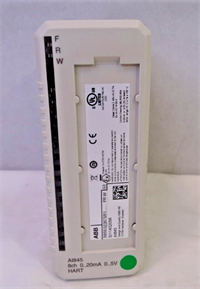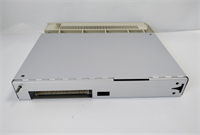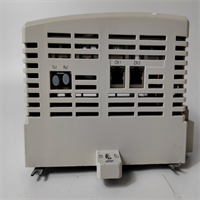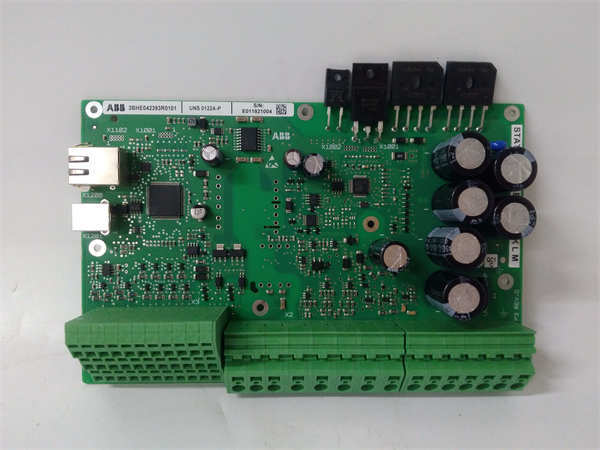
 Tel:
Tel:  Email:
  WhatsApp:
 Description
关键技术规格
- 产品型号: UNS0122A-P
- 制造商: ABB
- 所属系统: ABB AC 800M 自动化平台(高密度 I/O 架构)
- 功能类型: 非冗余电源模块(Local Power Supply for TB852)
- 安装位置: 插入 TB852 高密度 I/O 基座左侧专用电源槽位
- 输入电压: 单路 24V DC(L+/M),典型输入范围 19.2–30 V DC
- 输出能力: 最大持续输出电流 10 A(24V DC),供本基座所有 I/O 模块使用
- 电气隔离: 输入与逻辑地之间隔离(500 V AC)
- 诊断指示: 前面板 LED 显示 “POWER OK” 状态
- 尺寸与兼容性: 专为 TB852 基座设计,不可用于 TB842 或冗余基座(TB842R/TB852R)
- 散热方式: 无风扇,自然对流冷却
-

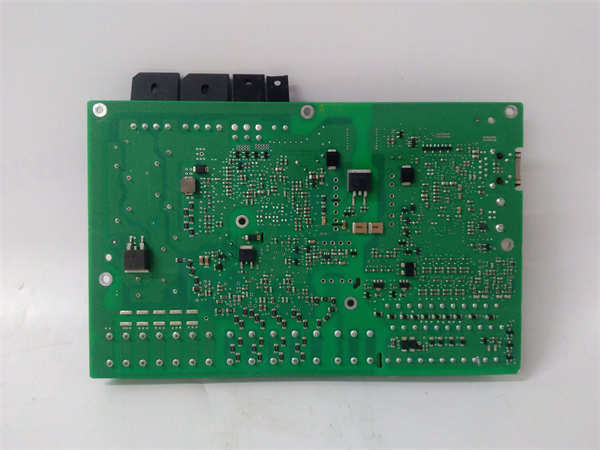
UNS0122A-P 3BHE042393R0101
System Role and Downtime Impact
The UNS0122A-P is not a standalone controller but the essential mechanical and electrical interface that anchors the PM86x CPU to the AC 800M control rack. It routes power, data, and synchronization signals between the CPU and the system backplane. If this carrier fails—due to cracked PCB traces, damaged connectors, or corrosion—the CPU cannot communicate with I/O modules or redundant peers. In a power plant or continuous process facility, such a failure typically results in a complete loss of control for the associated functional unit, triggering emergency shutdowns. Recovery requires physical replacement, as the module cannot be repaired in the field. Given its passive yet foundational role, it is often overlooked in spares planning until failure occurs.
Reliability Analysis and Common Failure Modes
Although the UNS0122A-P contains no active electronics, its reliability is compromised by environmental and mechanical stressors common in industrial settings. The primary failure modes include:
- Connector wear or oxidation at the backplane mating surface, leading to intermittent communication or power loss.
- PCB delamination or trace cracking due to thermal cycling over decades of service, especially in high-ambient-temperature environments like turbine halls.
- Physical damage during maintenance, such as bent pins or fractured mounting clips when CPUs are frequently swapped.
Design weaknesses stem from its reliance on precise mechanical alignment; there is no tolerance for misalignment during CPU insertion, which can accelerate connector degradation. Additionally, the module offers no self-diagnostics, so faults are only detected when the CPU fails to boot or loses redundancy sync.
Preventive maintenance should focus on visual inspection during scheduled outages: check for discoloration near power traces, ensure connector gold fingers are clean and free of debris, and verify that the locking mechanism for the CPU is intact. Avoid unnecessary CPU removals to minimize mechanical wear.
-
UNS0122A-P 3BHE042393R0101